A student can submit a beautiful AI video and still give a weak seminar. The missing piece is usually not visual quality; it is the chain of evidence between an idea, an input, a generated shot, and a reasoned conclusion. A short clip without that chain looks like a demo. A clip with it becomes something a class can discuss. That is why Seedance 3.0 is more useful to students when treated as a small production system rather than a magic prompt box.
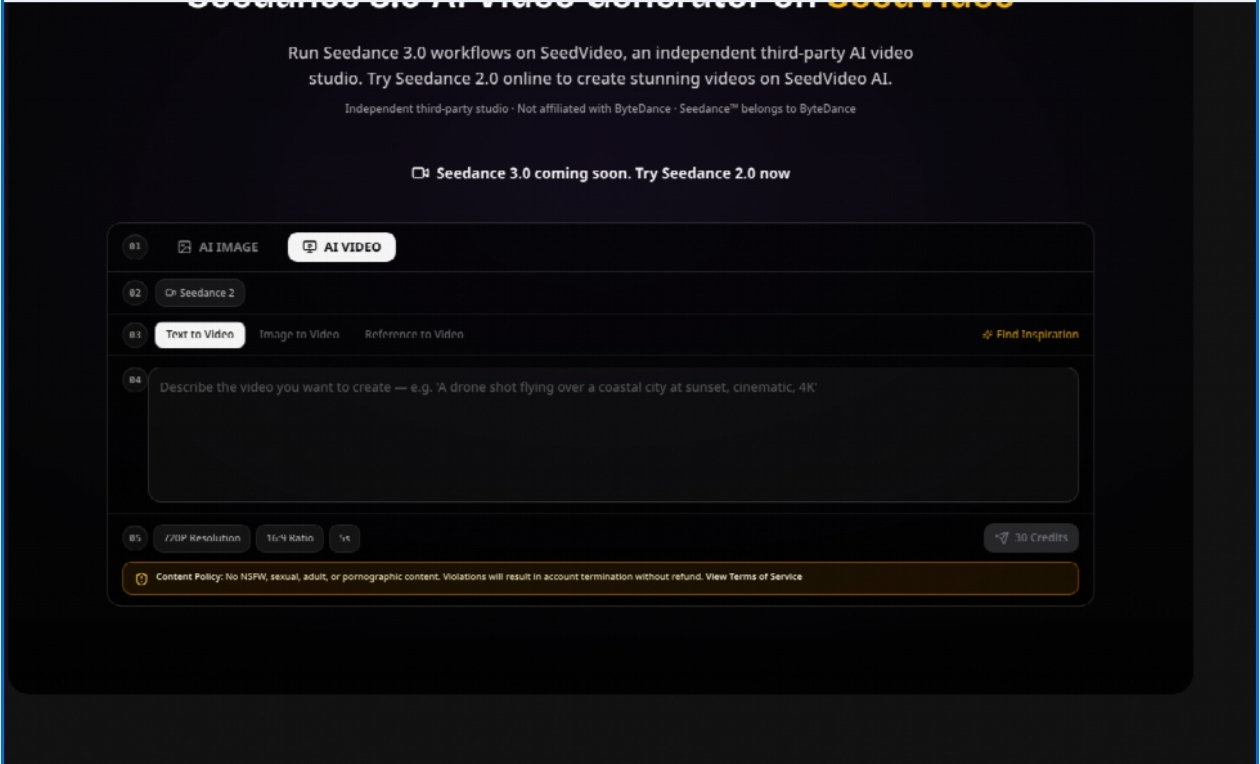
The academic question is whether a student can describe what was supplied, what was asked, what changed, and what still needs human judgment. SeedVideo gives that question a practical setting because its workspace supports text-to-video, image-to-video, and video-to-video workflows. Those are different experiments, not three labels for the same button.
Start With a Question the Clip Can Answer
A seminar topic such as “AI video generation” is too broad to produce a useful demonstration. The student needs one question with a visible result. For example: does an image reference preserve the identity of a product while the camera moves? Does a written description communicate a change in lighting more clearly than a still image? Does a source video provide motion that a prompt alone cannot specify? Each question creates a different input and a different standard for judging the output.
- Record the input type and the one action being tested.
- Keep the subject and intended duration stable across comparisons.
- Write down one visible success and one visible defect before presenting the clip.
Text is a hypothesis, not a storyboard
Text-to-video is a good starting point when the student wants to examine how natural language becomes motion. The prompt should name one subject, one action, the environment, and the camera behavior. “A red bicycle beside a wet station at dawn, slow lateral camera movement, realistic documentary lighting” gives a class something to inspect. A vague request for an impressive scene does not. If the output changes the bicycle, invents lettering, or turns the camera movement into a cut, those are observations rather than embarrassing exceptions.
References make the experiment easier to isolate
Image-to-video changes the question. The student is no longer asking the system to invent every visual property. A supplied image can hold the product, costume, or composition steady while the prompt asks for movement. Video-to-video goes further by giving the system an existing motion pattern to reinterpret. In a classroom demonstration, these modes let students compare how much of a result comes from language and how much comes from visual material.
This distinction also prevents a common presentation mistake: showing three outputs and calling the most attractive one the best. A fair comparison says what was held constant. Keep the subject, duration target, and intended action stable; change only the input mode. The goal is not to crown a winner but to show which kind of control each workflow provides.
Build a Reproducible Submission Packet For Class
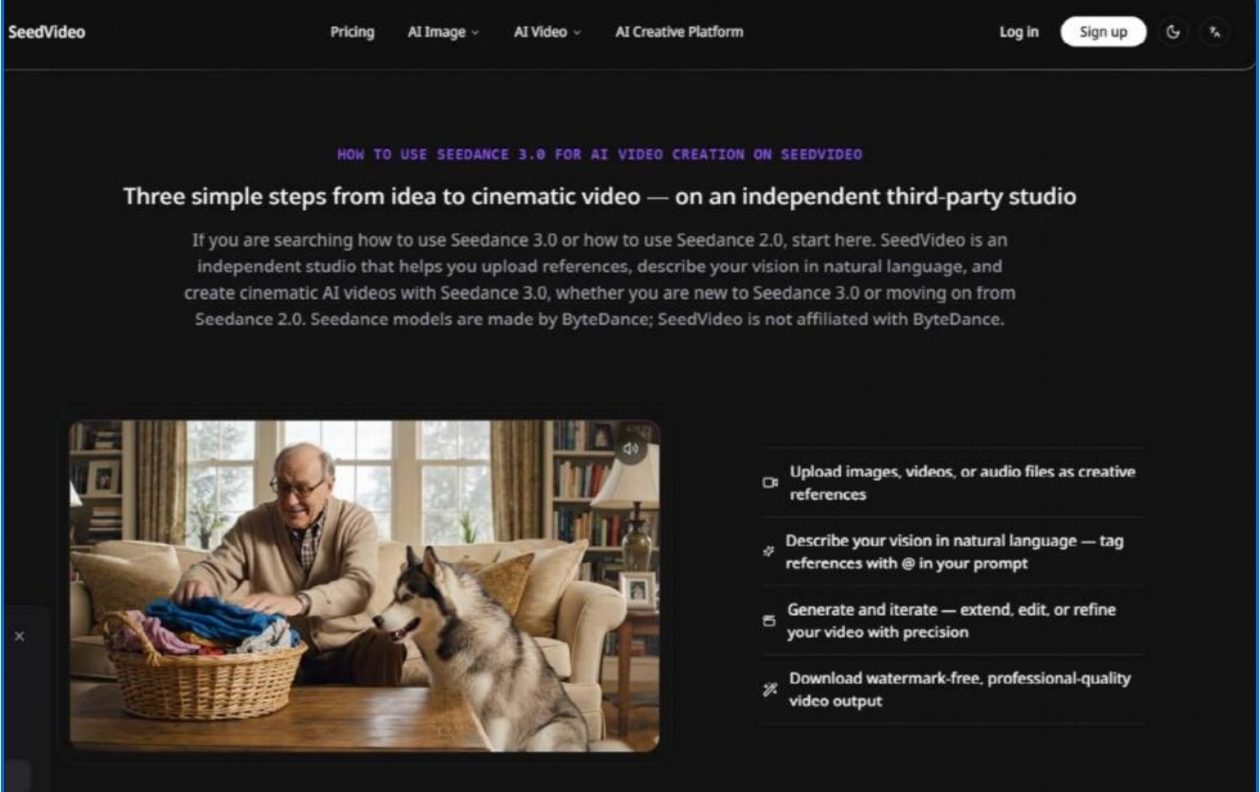
A practical submission should contain more than the final MP4. Keep the prompt, the source image or video, the chosen mode, the output, and a short review note together. The note can answer four plain questions: What did I expect? What appeared? What failed? What would I change next? This makes the work legible to a teacher who was not present when the clip was made.
Use A Fixed Observation Sheet Every Time
Students do not need a complicated research protocol. A single page is enough if it records the input type, the main action, the camera instruction, the visible continuity of the subject, and any text or object that changed shape. Marking those items immediately after generation is more reliable than trying to remember them during a later presentation. The sheet also discourages selective screenshots: the student has to retain the failed or ambiguous result, not only the polished frame.
When using SeedVideo, a short 720p, 16:9 example with a five-second duration can be a sensible classroom-scale test. The official example associates that kind of Seedance generation with 30 credits, so the student can explain why a small test is preferable to repeatedly generating a long final scene before the visual idea is understood. The number is not a grade and it does not prove quality. It simply makes iteration a visible resource decision.
Separate model behavior from editing judgment
Generated footage may need trimming, captions, narration, or a clean transition before it belongs in a presentation. Those edits should be labeled as edits. Otherwise, viewers cannot tell whether a smooth ending came from the generation system or from post-production. The same principle applies to audio: if a student adds music afterward, the presentation should say so instead of implying that every sound in the clip was produced by the model.
In my testing, the first preview looked impressive until the bicycle frame bent during the turn; that observable defect was more useful for discussion than another polished screenshot. A second pass can be judged against the same setup, while the time spent on re-work stays visible in the student’s notes.
What a Good Critique Looks Like
The strongest critique is specific enough to be challenged. “The motion looked realistic” is too soft. “The camera moved left, but the bicycle wheel lost its spokes during the turn” describes an observable event. “The style was inconsistent” can become “the first half kept the paper texture while the final second became glossy.” These details turn a reaction into evidence.
It is also important to record what did not fail. If the subject stayed recognizable while the background changed, that is a meaningful result. If the prompt created the intended direction but not the intended speed, the student can separate semantic control from temporal control. This vocabulary makes the seminar more than a celebration of novelty.
Keep The Boundary Conditions Visible In Slides
An AI video model is not a replacement for source evaluation. A photograph may contain a logo, a person’s likeness, or an object the student does not have permission to reuse. A generated scene may look documentary even though it is illustrative. The final submission should identify synthetic material and avoid presenting it as a record of a real event. The classroom value lies in understanding the mechanism, not in disguising it.
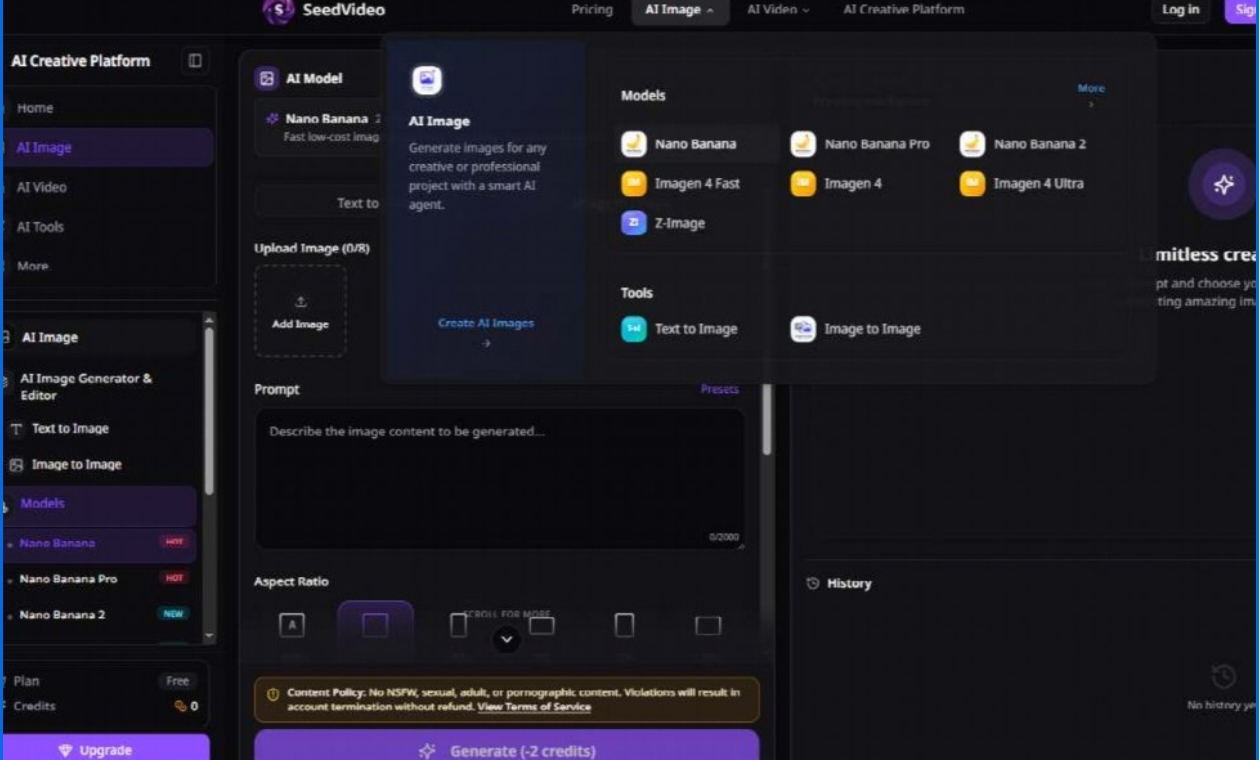
SeedVideo is an independent third-party studio, so students should describe it as the access layer used for the demonstration rather than as the company that developed the underlying model. That small attribution habit matters in technical writing. It teaches students to distinguish a model, a provider, an interface, and an output—four things that are often collapsed into one marketing phrase.
When the Demo Becomes a Lesson
A useful assignment ends with a decision, not a verdict that AI video is simply good or bad. If text-to-video was sufficient for an atmospheric concept, say why. If the product had to be supplied as an image to avoid shape drift, show the trade-off. If video-to-video preserved motion but introduced a new visual error, keep that limitation in the conclusion. The value is in matching the workflow to the question.
For students, Seedance 3 is most educational when every generated shot leaves a paper trail: input, instruction, output, observation, and next decision. That habit turns a striking clip into a reproducible explanation. It also gives the audience permission to ask the questions that matter after the applause—what was controlled, what was invented, and what still required a person to judge.
The Final Test Is Clear Explainability
If a student can replay the clip and explain why each input was chosen, the assignment has done its job. If the only defense is that the output looked impressive, the experiment stopped too early. The strongest use of AI video in education is therefore modest: make the visual result interesting enough to inspect, then make the process clear enough to learn from.