Student presentations are no longer limited to slides and bullet points. With the right planning, AI video can help explain a topic, introduce a project, or make a seminar idea easier to understand before the final version is prepared.
Most students know the problem. A topic may be clear in notes, but it can still feel flat on a slide. A class presentation about renewable energy, cyber security, robotics, tourism, agriculture, public health awareness, or digital marketing often needs more than definitions. It needs a simple visual story.
That does not mean every student project needs a polished video production. In many cases, the useful step is smaller: turning an outline into a short visual draft that helps the presenter decide what the audience should see first, what needs more explanation, and which parts of the topic are still confusing.
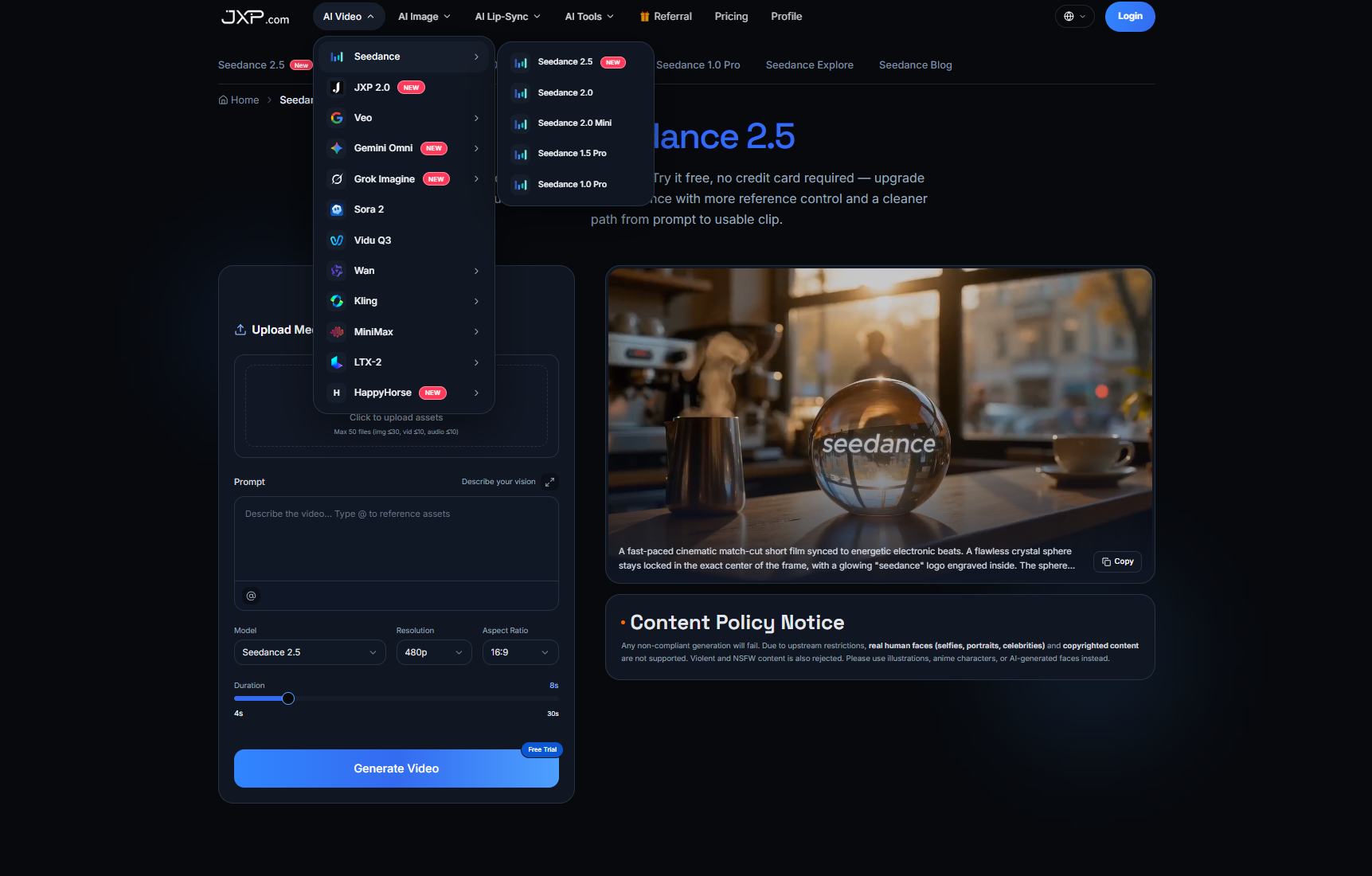
This is where Seedance can fit into the learning process. Seedance is an AI video creation platform that helps users explore text-to-video, image-to-video, and reference-guided workflows. For students, those capabilities can be useful for turning written presentation concepts into short visual drafts before moving to slides, narration, or final editing.
Why Video Drafting Helps Academic Presentations
A presentation usually begins with information. Students collect definitions, examples, diagrams, statistics, and references. The challenge is deciding how those materials should be introduced. If everything appears as text, the audience may understand the topic only after several slides. A short video draft can help test whether the main idea is visible earlier.
For example, a seminar on smart farming may start with a problem: farmers need better data about soil, water, and crop health. A video draft could show the general concept of sensors, field monitoring, and decision-making. It should not invent real statistics or claim to show an actual farm system, but it can help the student organize the introduction.
The same applies to business, education, environment, media, and technology topics. AI video can support the opening scene, the transition between ideas, or a simplified visual metaphor. The research still needs to be accurate. The video simply helps the presenter see whether the explanation has a clear path.
Start With the Learning Goal
The best student video draft starts with a learning goal, not a long prompt. Before using any tool, the student should answer one question: what should the viewer understand after watching this short clip?
A useful brief can include:
- The topic in one sentence
- The audience level, such as school, college, beginner, or general reader
- The main idea the video should introduce
- Approved images, diagrams, or visual references
- The tone, such as clear, serious, simple, or inspiring
- The part that will be explained by the student after the video
This keeps the video from becoming decoration. A presentation clip should support the speech, not compete with it. If the student is explaining a scientific, technical, legal, financial, or health-related topic, the final facts should come from verified sources and instructor-approved material.
From Notes to a Visual Outline
One practical method is to treat the video as a visual outline. Instead of asking for a complete educational video, the student can plan three simple beats.
The first beat introduces the problem. The second beat shows the concept or process. The third beat points to the idea that will be explained in the next slide or speech section. This structure is easy to review because every part has a purpose.
For a project on electric vehicles, the draft might introduce clean transportation, show a general charging concept, and then lead into a slide about battery technology. For a project on online learning, it might show a student using digital resources, then connect to collaboration, assessment, or access. For a marketing topic, it might show how one message moves from a product image to a short social concept.
The key is to avoid overclaiming. A generated draft should not be treated as evidence that a machine, system, classroom, vehicle, or business result works in real life. It is a planning aid. Verified facts, diagrams, screenshots, charts, and data should remain in the student's written material or final edited slides.
Use References Without Creating Confusion
References can make a draft more relevant, but they should be chosen carefully. A student may use an original diagram, a licensed image, a classroom-approved illustration, or a product-only photo that is cleared for use. They should avoid uploading real people's faces, private school materials, copyrighted characters, celebrity images, customer data, or anything they do not have permission to use.
For academic work, references should also be simple. A messy set of unrelated images can make the output harder to review. One diagram, one object image, or one style reference is often enough for an early draft.
Students should also be careful with text inside generated scenes. Names, dates, formulas, prices, labels, and source titles can become inaccurate. If exact wording is needed, it is usually safer to add that text later in slides or video editing software, where it can be checked manually.
Where Seedance Fits in a Presentation Workflow
A Seedance AI video generator can be useful when it sits between the written outline and the final presentation. It can help students test whether a visual direction is understandable before they spend time editing, recording narration, or designing slides around it.
This middle step can be useful for several types of academic content:
- Seminar introductions that need a clear opening
- Project presentations that explain a process
- Business ideas that need a quick concept preview
- Technology topics that benefit from simple motion
- Awareness campaigns where tone and clarity matter
- Portfolio pieces where students want to show planning ability
The strongest use is not asking AI to do the whole assignment. It is using a draft to improve the student's own explanation. A weak draft can show that the topic is still too vague. A useful draft can become a visual reference for the final slide deck, narration, or edited video.
Review Before Publishing or Presenting
Before a student uses an AI-generated video in a presentation, the draft should be reviewed carefully. The review does not need to be complicated, but it should be honest.
Useful questions include:
- Does the video support the topic?
- Could viewers mistake the draft for real footage or verified evidence?
- Are all facts, labels, and claims checked in the written material?
- Are references original, licensed, or approved?
- Does the clip avoid real faces, private data, and unsupported copyrighted material?
- Does the student still explain the idea in their own words?
This review protects the quality of the project. It also teaches an important digital skill: AI can help organize and visualize an idea, but the presenter remains responsible for accuracy, attribution, and meaning.
Final Thoughts
AI video is becoming part of the way people plan, learn, and present ideas. For students, the value is not in skipping the hard work. The value is in making the thinking visible earlier.
Seedance can help turn a presentation outline into a short visual draft, but the best results still come from clear research, careful references, simple structure, and human review. Used that way, AI video becomes a study tool, not a shortcut. It helps students test how an idea appears on screen before they stand in front of an audience and explain it for themselves.