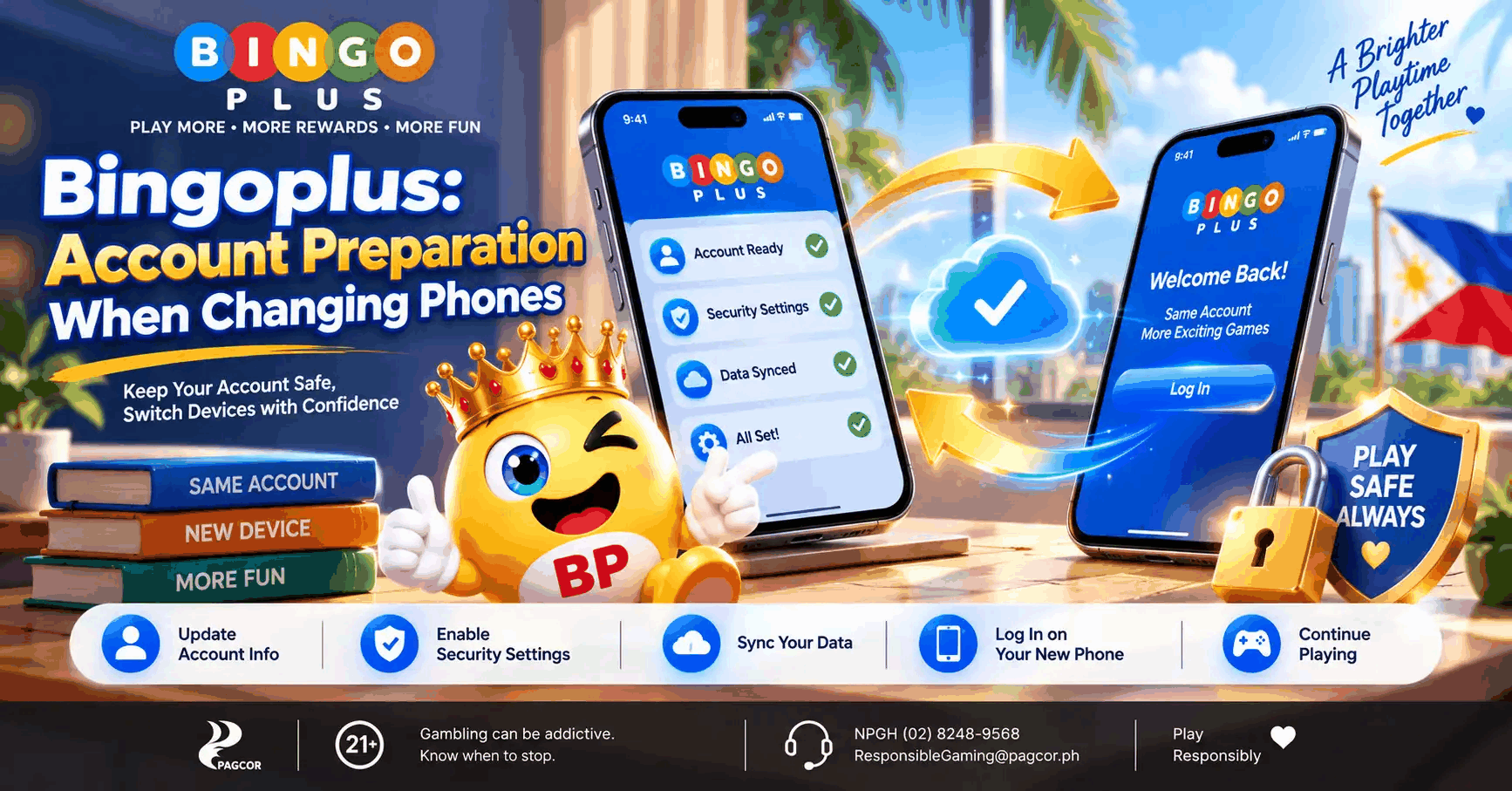
Changing phones is usually described as a simple transfer: move photographs, restore applications, and continue where the old device left off. Account access can be less straightforward. Saved credentials, registered contact details, browser sessions, and device settings may not move together.
For Bingoplus users, a sensible transition begins before the old phone is reset or handed to someone else. Understanding what belongs to the device and what belongs to the account helps prevent avoidable confusion. This guide explains how to prepare for that transition, assess unfamiliar sign-in screens, and recognize when an access problem requires official assistance.
A New Phone Does Not Automatically Mean a Ready Account
An application icon appearing on a new phone does not establish that the account behind it is accessible. Restoring software and authenticating an account are separate processes.
The same distinction applies to browsers. Bookmarks may transfer successfully while saved credentials or active sessions do not.
This creates a common misunderstanding: the new device looks complete, so the user assumes every service is ready. A brief account-access review provides a more reliable answer.
Separate the Device From the Account
A phone stores local information such as application data and browser preferences. An online account is maintained by the service and accessed through the authentication methods it supports.
Replacing the device does not, by itself, create a new account. Likewise, reinstalling an application should not be treated as a password-recovery method.
The practical question is whether the user can complete the current sign-in process on the new device. That should be checked independently of the transfer progress indicator.
Identify What the Old Phone Was Doing Automatically
Over time, people can forget how much their device handles for them. Autofill may supply an identifier, a password manager may complete a field, or an existing session may remove the need to sign in.
Once those conveniences disappear, a familiar account can suddenly feel inaccessible. Preparation starts with recognizing which conveniences were involved.
Useful questions include:
- Was the account already signed in?
- Was a password manager completing the form?
- Can the registered contact method still be accessed?
- Was the usual entry point a bookmark, application, or saved shortcut?
- Is there an unresolved account issue that should be addressed first?
These questions identify dependencies without requiring private credentials to be written down or shared.
Prepare Before Retiring the Old Device
When the old phone is still available and secure, it provides an opportunity to review account access calmly. Waiting until after a reset can turn a routine transition into a recovery problem.
Preparation should remain focused. There is no need to change every account setting simply because the hardware is changing.
Confirm Access to Registered Contact Details
If a service relies on a registered contact method, losing access to it may complicate future verification. Changing a handset and changing a mobile number should therefore be treated as separate decisions.
Moving a SIM does not automatically update contact information stored in an online account. Similarly, activating a new number does not establish that an existing account recognizes it.
Where a change is needed, follow the service’s current process. Avoid assuming that a detail has been updated merely because the phone itself displays the new number.
Check Password Availability Privately
A saved password may be available through a password manager, but its presence should not be assumed. Confirm that the manager can be accessed on the new device through its legitimate setup process.
Do not send passwords through chat messages to make the transition easier. A screenshot or unsecured note can create a lasting exposure long after the phone transfer is finished.
Keep Track of Unfinished Account Matters
An unresolved support request or incomplete recovery process can make a device change more confusing. Keep non-sensitive reference information so the issue can be described accurately if assistance is needed.
A case reference and a brief description are usually more useful than a collection of screenshots containing private data. Record what happened without collecting information that should remain confidential.
Set Up the New Phone in a Deliberate Order
The first successful opening of an application is only one part of setup. Account access, device protection, and privacy settings each deserve a separate check.
Begin With Device Protection
Establish a screen lock before opening sensitive accounts. Consider whether notification previews might reveal information when the phone is unattended.
If someone is helping with setup, keep account credentials private. Technical assistance does not require unrestricted access to every personal account.
Open the Intended Destination
Transferred shortcuts can make navigation convenient, but users should still inspect where they lead. A familiar name on the home screen is not sufficient evidence of the destination.
Before entering account information, check the complete address and page purpose. An information page and a secure account screen can be part of the same journey while serving different functions.
Follow the Options Actually Displayed
A new device may present a layout that differs from an older screenshot or remembered sequence. Screen size, browser behavior, and service changes can all affect presentation.
Follow the current options on the verified screen. Do not search for an unofficial workaround simply because an expected button appears elsewhere or is unavailable.
Change One Thing at a Time
If access fails, several simultaneous changes can make the cause harder to identify. Switching browsers, resetting credentials, and reinstalling software together removes useful context.
Start with the observable problem. Determine whether the page loads, whether the form accepts input, and whether an explanatory message appears before deciding on the next step.
A Common Transition Mistake
Consider a hypothetical user who transfers applications to a new phone and immediately resets the old one. Later, the user discovers that the password manager has not been set up and that the registered contact method is no longer accessible.
The application transfer succeeded, but the access dependencies were overlooked. Repeating the installation would not address either missing requirement.
A better sequence would have been to establish access on the new device while the old device remained securely available. This example illustrates a general preparation issue, not a reported Bingoplus incident.
Where Bingoplus Account Guidance Fits
A dedicated access guide can help users distinguish routine sign-in from troubleshooting or recovery. That distinction becomes particularly useful during a device change, when several unfamiliar conditions may occur at once.
Before entering credentials on a newly configured phone, users can consult the Bingoplus Login Center, which separates account-access guidance from troubleshooting, recovery, and security information and explicitly states that the information site does not collect passwords, PINs, or one-time codes.
This creates a clear boundary between reading instructions and submitting sensitive information. Users should review the destination reached through the access route and follow the options presented on the secure account screen.
A guide can establish the route and explain precautions. It cannot determine the outcome of an individual account-recovery request.
Complete the Transition Before Handing Over the Old Phone
A phone change has two sides: preparing the new device and retiring the previous one. Finishing only the first side can leave private information accessible on hardware that is no longer under the owner’s control.
Review Remaining Account Access
Sign out of sensitive services on the old device. Where a service offers session-management controls, review them using the relevant instructions.
Closing an application is not the same as signing out. Likewise, removing a shortcut does not establish that stored account data has been removed.
Follow the Device Maker’s Transfer Instructions
Before selling, giving away, or recycling a phone, follow the manufacturer’s current process for backing up needed information and erasing personal data. Confirm that anything still required has been preserved first.
A reset should be the final stage of a planned handover. It should not be used as an experiment to solve an unexplained account problem.
Check the New Device’s Privacy Settings
Transferred settings may not match the user’s current preferences. Review notification previews and other relevant controls after setup.
This is also a useful point to reconsider optional alerts. Restoring an application does not require restoring every interruption associated with it.
Frequently Asked Questions
Do I need a new Bingoplus account when I change phones?
Changing hardware alone is not a reason to create another account. Use the existing account’s official access process and seek assistance if access cannot be restored.
Does transferring an application transfer its active login?
Not necessarily. Application restoration and authenticated sessions are separate, so verify account access rather than assuming it transferred.
Will moving my SIM update my registered account details?
No. Moving a SIM changes where the mobile service is used; it does not automatically edit contact details held by an online platform.
Should I reset my password before changing devices?
A device change alone does not necessarily require a password reset. Follow the account’s guidance and use recovery when credentials are unavailable or there is a relevant security concern.
What if the new phone shows a different sign-in layout?
Confirm the destination and review the methods currently displayed. A visual difference alone does not establish a problem, but it should not replace checking the page’s identity.
Can someone setting up my phone receive my verification code?
Keep verification codes private and complete sensitive account steps yourself. Assistance with device setup does not require sharing a password, PIN, or one-time code.
When should I erase the old phone?
For a planned handover, first confirm that needed information is preserved and important accounts are accessible on the replacement device. Then follow the manufacturer’s current erasure instructions.
What if the old phone is already unavailable?
Use the service’s official recovery or support process. Explain which contact methods and credentials remain available without disclosing confidential authentication details in a general message.
Final Thoughts
A successful phone change depends on more than moving applications. Registered contact details, saved credentials, secure entry points, and the retirement of the previous device all affect whether the transition feels straightforward.
For Bingoplus users, preparation helps keep account access organized without making assumptions about transferred sessions or recovery outcomes. Bet responsibly, live a wonderful life: a new device does not change the financial risks of chance-based entertainment, and personal time and spending limits should remain in place.