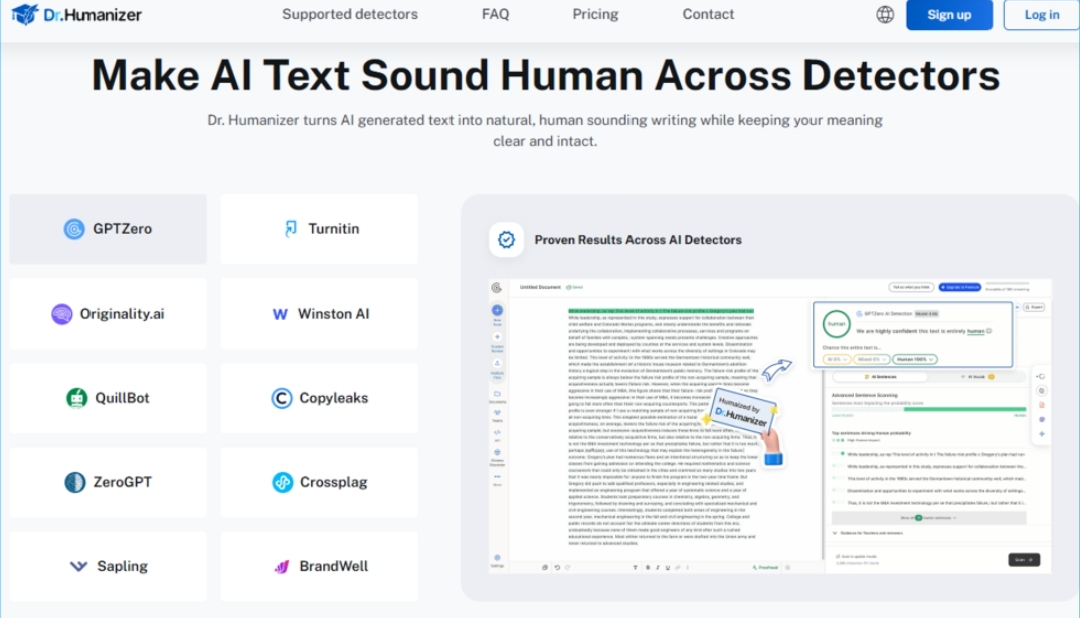
The academic world has a new anxiety. It’s not about funding cuts or tenure tracks. It’s about the quiet, creeping suspicion that the paper you’re peer-reviewing might have been written by a machine. Over the past year, AI detection tools have become standard issue in journal offices and university departments. But here’s the irony: the same researchers who are supposed to be advancing human knowledge are also the ones most likely to use AI for drafting. It’s a tension that has created a strange new market—tools designed to make AI text sound less like AI. Ai humanizer sits squarely in the middle of this tension. It doesn’t claim to be a detection evader. It claims to be something more interesting: a writing clarity tool that happens to make machine-generated text read like it came from a human.
The Real Problem Isn’t AI Detection. It’s Bad Prose.
Let’s be honest about what’s actually happening in academic writing right now. Researchers are using AI to get past the blank page. They’re using it to polish grammar, to rephrase awkward sentences, to turn rough notes into something approaching a draft. The output is often technically correct. It’s also often terrible to read.
The problem isn’t that AI generates wrong information. The problem is that AI generates generic information. It produces prose that follows predictable patterns. It reaches for the same transitions. It builds sentences the same way, over and over. The result is text that’s perfectly grammatically correct and completely forgettable.
Deep Structural Rewriting vs. Word Swap
Most tools that claim to “humanize” AI text work at the surface level. They swap synonyms. They shuffle sentence order. They run the text through a thesaurus and call it a day. The result is a slightly different version of the same robotic output.
Dr. Humanizer takes a different approach. The platform is trained on over 4.5 million real human-written texts, which gives it a baseline for what natural writing actually looks like. But the real differentiator is what they call deep structural rewriting. Instead of surface-level edits, the tool rebuilds sentence structure and flow from the ground up. It’s not replacing words. It’s rethinking how the sentences work together.
This matters because human writing has a particular rhythm. It varies sentence length. It doesn’t always follow the most logical structure. It has quirks. Deep structural rewriting attempts to replicate that organic quality while keeping the original meaning fully intact.
The 4.5 Million Text Training Base
The scale of the training data is worth noting. 4.5 million human-written texts represent a substantial corpus. That’s not a small sample of blog posts or marketing copy. That’s a broad cross-section of how real people actually write. The tool uses this training to understand not just what human writing looks like, but what makes it feel human—the subtle variations in tone, rhythm, and phrasing that distinguish natural writing from machine output.
Three Rewrites, One Text: The Practical Advantage
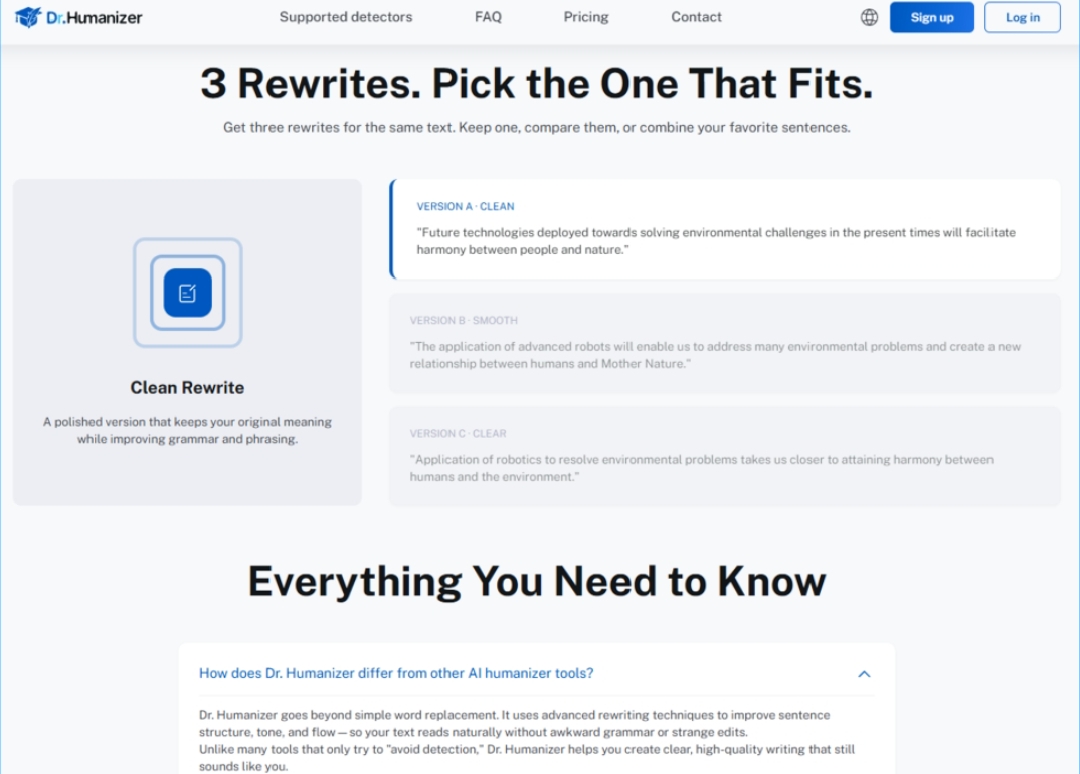
One of the more thoughtful features of the platform is the option to generate three rewrites for the same text. This isn’t just a gimmick. It’s a recognition that writing is a process of refinement, not a one-shot deal.
Clean Rewrite vs. Alternative Versions
The default option is a clean rewrite that keeps the original meaning while improving grammar and phrasing. But having two additional versions gives you something you don’t get with most editing tools: choice. You can keep one version, compare them side by side, or combine your favorite sentences from each. This is particularly useful for academic writing, where the exact phrasing of an argument can affect how it’s received by reviewers.
Why Three Versions Matter for Academic Writing
Academic prose is precise. A single word choice can change the meaning of a sentence. Having multiple rewrites lets you see how different phrasings affect the clarity and force of your argument. It also gives you options if you’re unsure which version best captures your intended meaning. The tool isn’t making the decision for you. It’s giving you material to work with.
The 5,000-Word Capacity: Built for Real Academic Work
Here’s where the tool reveals its intended audience. The platform allows you to rewrite up to 5,000 words at once. That’s not a character limit for a social media post. That’s the length of a substantial journal article or a dissertation chapter.
The capacity limit of 5,000 words means you can humanize long AI-generated text in one go. This is a practical consideration for researchers who are working with full drafts rather than isolated paragraphs. It also reduces the friction of having to break up your work into smaller chunks and process them separately.
Meaning Preservation: What Stays and What Goes
The tool is explicit about what it preserves and what it changes. Your ideas, data, and citations stay precise while the tool refines clarity and readability. Nothing important gets lost in the process.
This is a critical distinction. Many rewriting tools are essentially paraphrasing engines that can inadvertently change the meaning of technical or scientific content. Dr. Humanizer positions itself differently. It’s not trying to generate new text. It’s trying to make existing text clearer and more natural while preserving the substantive content.
What the Tool Actually Looks Like in Practice
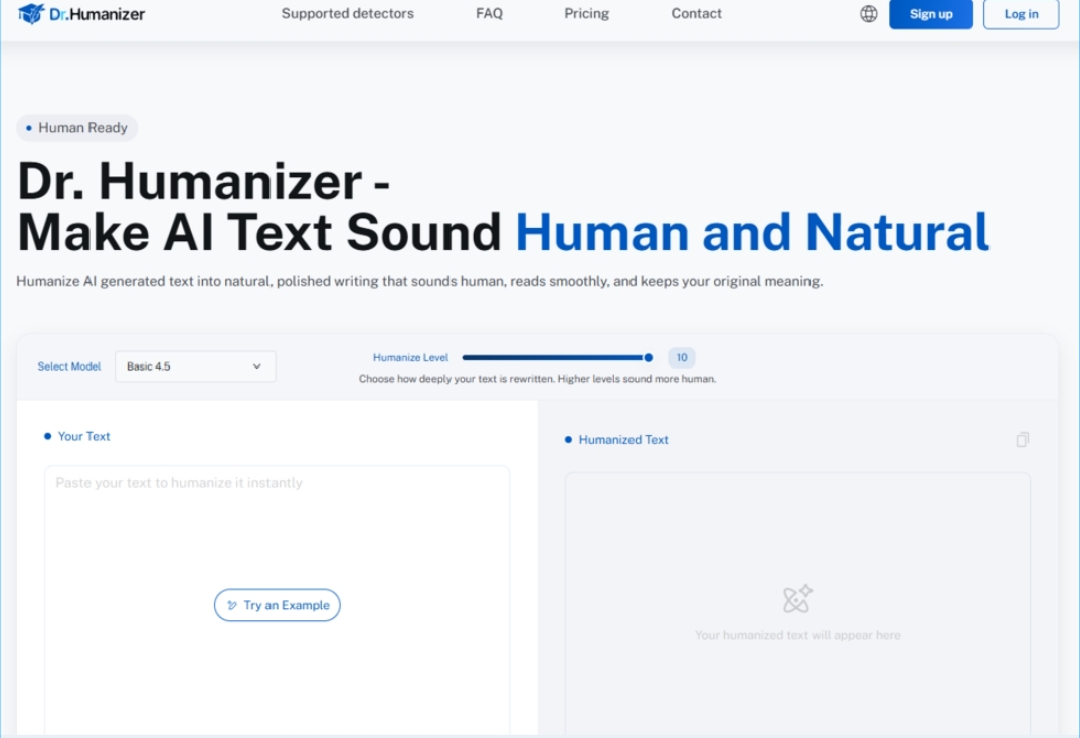
The interface is straightforward. You paste in your text—minimum 50 words—and select a humanize level on a scale of 10. Higher levels sound more human. The humanized text appears in a separate panel.
The free tier gives you three uses. Registration gets you a free credit of 800 words. This is a reasonable amount for testing the tool on a real piece of work before committing to a paid plan.
The Humanize Level Scale
The 10-level scale is worth examining. It suggests the tool isn’t applying a single transformation to every piece of text. It’s offering a spectrum of humanization, from light editing to deep rewriting. This gives users control over how much the text changes. A light touch might be appropriate for a final proofread. A deeper rewrite might be better for a first draft that needs substantial revision.
Where the Tool Fits in the Writing Process
Dr. Humanizer isn’t a replacement for writing. It’s a post-drafting tool. You write your draft—with or without AI assistance—and then you run it through the platform to improve its readability and naturalness.
For First Drafts
If you’re using AI to generate a first draft, the tool can help you move from machine output to something closer to your own voice. The deep structural rewriting addresses the repetitive patterns that make AI text recognizable.
For Revisions
If you’ve already written a draft and want to improve its flow and clarity, the tool can serve as an advanced editing assistant. The three-rewrite option is particularly useful here, giving you alternatives to compare against your original.
For Non-Native English Speakers
Researchers who speak English as a second language often struggle with the kind of natural phrasing that native speakers take for granted. The tool can help bridge that gap by suggesting more natural phrasings while preserving the technical content.
The Limitations You Should Know About
The tool has real constraints. The 5,000-word capacity means it won’t handle a full dissertation in one pass. You’ll need to break longer documents into sections.
The quality of the output depends on the quality of the input. A well-structured draft with clear arguments will produce better results than a vague, poorly organized one. The tool can improve clarity, but it can’t create clarity where none exists.
The free tier is limited to three uses and 800 words with registration. This is enough for testing but not for regular use. You’ll need a paid plan for ongoing work.
A Quick Look at What You Get
|
Feature |
What It Means for You |
|
5,000-word capacity |
Process full articles or book chapters in one go |
|
Three rewrites per text |
Compare options and combine the best parts |
|
10-level humanization |
Control how much your text changes |
|
4.5M text training base |
Natural-sounding output based on real human writing |
|
Meaning preservation |
Your ideas, data, and citations stay intact |
|
Free tier |
3 uses, 800 words with registration |
Who Should Actually Use This
Dr. Humanizer makes the most sense for researchers who already use AI for drafting and want to improve the readability of their output. It’s particularly useful for non-native English speakers who need help achieving natural phrasing. It’s also valuable for anyone who wants to move beyond the generic quality of AI-generated prose without spending hours manually editing.
The tool is less useful for researchers who don’t use AI at all, or who are comfortable with their own editing process. It’s also not a substitute for learning to write well. It’s a supplement, not a replacement.
The broader question—whether tools like this should exist—is one the academic community will continue to debate. drhumanizer exists in that debate as a concrete example of where the technology is heading. It’s not a magic solution, and it’s not a threat to academic integrity on its own. It’s a tool for improving the clarity of academic writing, with all the complexity that implies. What’s clear is that the line between human and machine writing is getting harder to draw. Tools like this don’t erase that line—they just make it more interesting to talk about.