The Reel performed well — until the background track got flagged at 11 PM the night before the campaign launch. Three hours of re-editing, a different stock loop that doesn’t quite fit, and the client still notices. Stock libraries promise “cleared for commercial use” until a rights update quietly changes that.
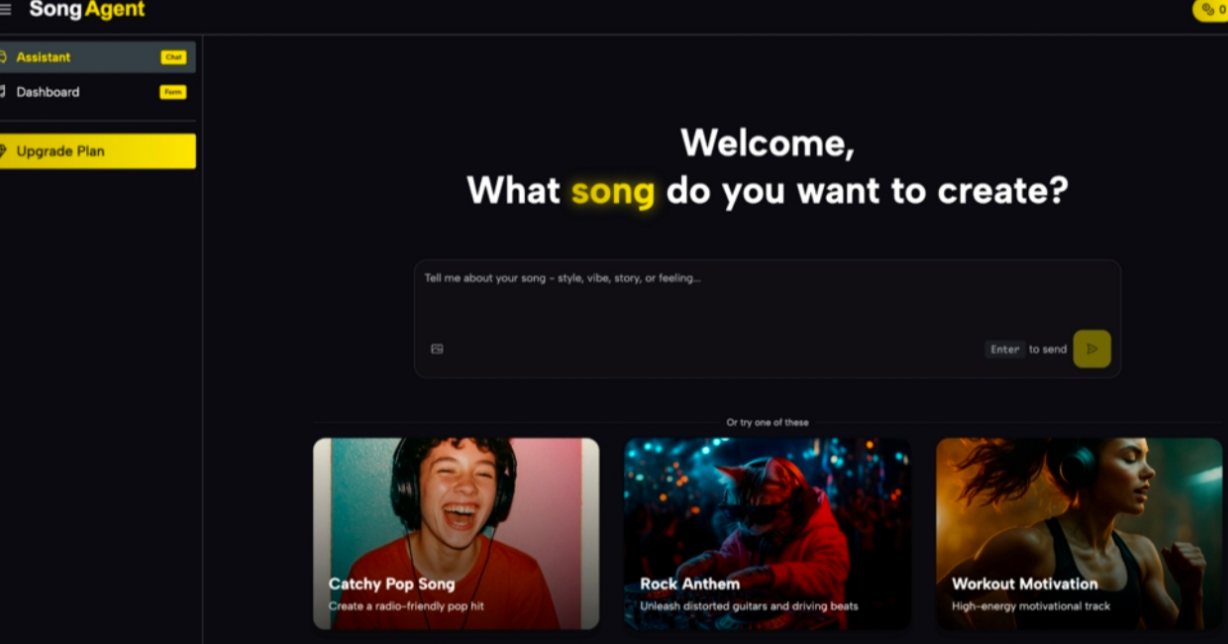
You don’t need a composer or a subscription library to fix this. Tools like AI Song Agent let marketers generate original, client-ready tracks on demand — here’s exactly how the workflow looks.
Why Royalty-Free Libraries Keep Failing Marketing Teams
The stock music model was built for a slower content cycle. Social media isn’t slow. A campaign might need five track variations — different lengths, different energy levels for A/B testing — and a library hands you one fixed file to work around.
A track marked “royalty-free” describes the licensing model, not permanent safety. Content ID systems on YouTube, TikTok, and Meta update continuously. A track cleared in January can trigger a flag in March when a distributor re-registers it. The dispute process takes days your campaign schedule doesn’t have.
Stock music is produced at a fixed length for a general audience — not for a 15-second Story, a 60-second product demo, and a 3-minute pre-roll running simultaneously. Cutting loops to fit different placements sounds like exactly what it is. Clients notice, even if they can’t name why.
What SongAgent Actually Lets You Do
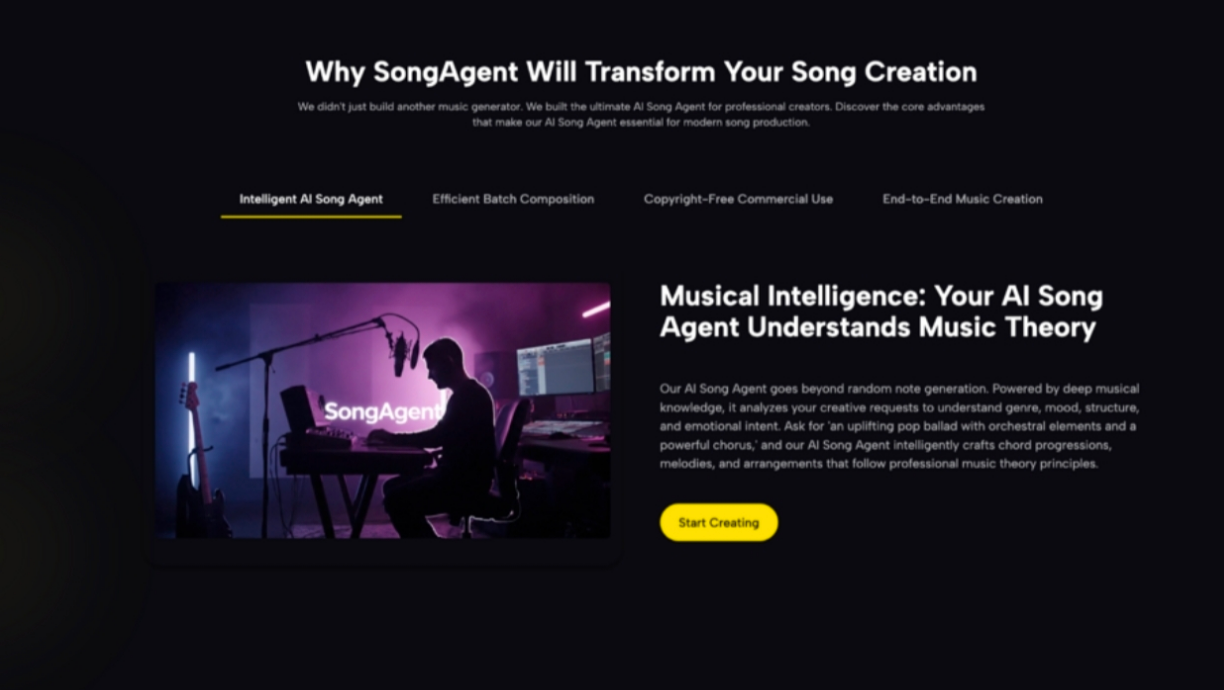
SongAgent is built around the full production cycle, not just generation.
- Simple Mode is where most marketers start: type a short brief (“upbeat corporate pop, no lyrics, 60 seconds”) and get a usable draft immediately. No settings, no learning curve — fast enough to prototype tracks during a client call.
- Custom Mode is where you build spec. Set genre tags, mood, vocal type, tempo, and feed in lyrics if the brief calls for them. Useful when a brand has a defined sonic identity you need to match across multiple assets.
- The AI Lyrics Generator handles branded jingles or campaigns that need sung copy. Give it a theme and tone, it writes to fit — faster than briefing a copywriter and a composer separately.
- Extend Song solves the multi-placement problem directly. Generate a 60-second track, then extend it to 3 minutes for the YouTube cut — same key, same feel, not a loop. No re-generating from scratch.
- Vocal Remover is useful when a client references an existing song they love. Upload it, strip the vocals, and use the instrumental as a reference or working bed while you build the final version.
- MP3 to WAV converts your exports to lossless format for delivery to video editors running Premiere or DaVinci without quality loss.
No account required to start, and copyright transfers to you on download — which means it transfers cleanly to your client.
How to Generate Your First Track in Under 10 Minutes
Step 1 — Brief it like you’d brief a composer, not a search bar
Vague inputs produce average outputs. Give Song Agent context, not just genre.
Step 2 — Draft in Simple Mode, refine in Custom Mode
Get a rough output first. If the energy is right but the tempo’s off, move to Custom Mode and dial in the specifics. Treat the first pass as a direction check, not a final file.
Step 3 — Extend before you export
If the placement needs more than the generated length, use Extend Song now — before you hand off the file. Extending after delivery creates version control problems.
Step 4 — Export in the format your editor needs
Social delivery: MP3 is fine. Client video production: run it through MP3 to WAV first. One extra step that prevents the “can you send a lossless version” follow-up email.
FAQ
Is music from SongAgent safe to use in paid social ads?
Yes — copyright belongs to you on download, with no third-party claims to trigger platform flags.
Can I deliver these tracks to clients as part of a paid project?
The tracks are royalty-free and user-owned; they’re suitable for commercial handoff. Confirm current terms on the site.
Do I need an account to generate tracks?
No registration or payment required to start generating.
How does this compare to Suno or Udio for marketing use?
SongAgent adds Vocal Remover, Extend Song, and format conversion — tools Suno and Udio don’t include, which matter for production workflows.
What are the limitations?
Output quality varies by prompt — some tracks need a second or third generation. It won’t replicate highly genre-specific production styles with full accuracy.
Conclusion
If licensing headaches are eating into campaign turnaround time, SongAgent is worth an afternoon. The learning curve is minimal — Simple Mode alone covers most social content needs, and Custom Mode handles anything with a tighter brand brief. It’s not a replacement for every audio decision, but for high-volume content production it removes the part that causes the most last-minute stress. Worth keeping in the toolkit.