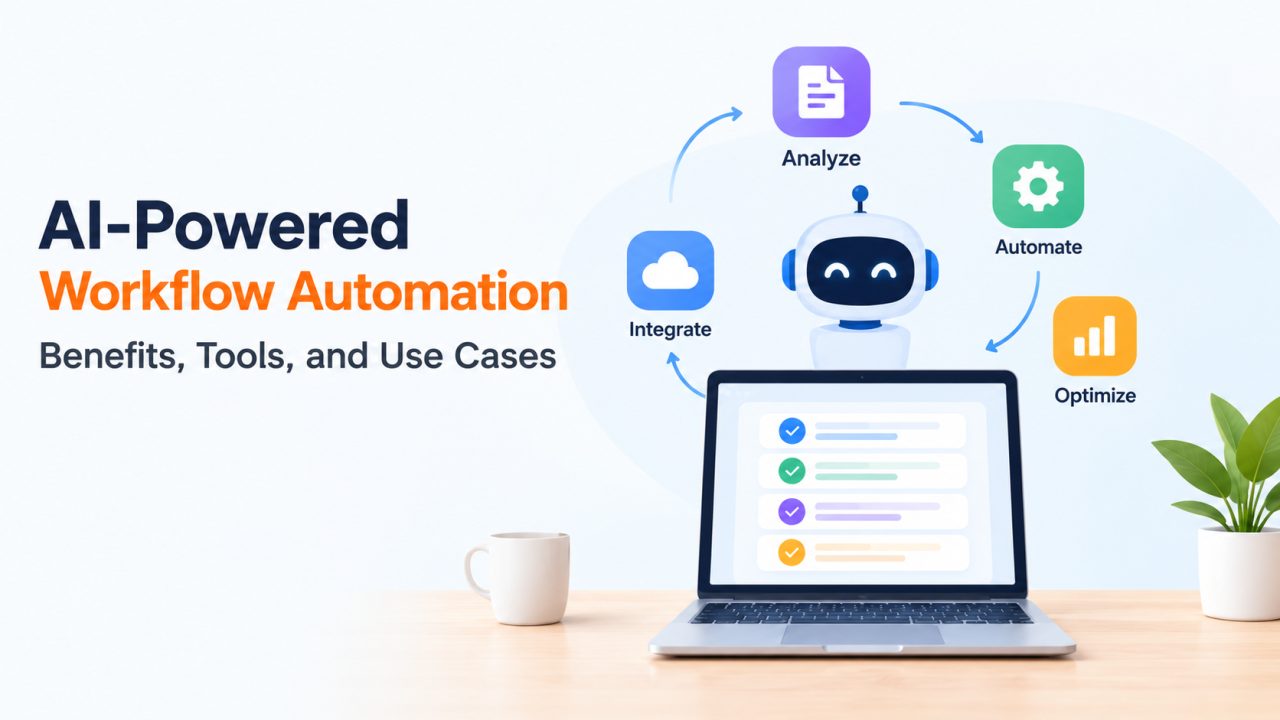
A finance team receives invoices as PDFs, phone photos, and email bodies, each laid out differently. A rule-based script handles the ones that match its template, and a person opens everything else by hand. That gap is why AI-powered workflow automation has moved from an experiment to a planning item in many organizations. Traditional automation follows fixed rules well, but it struggles with unstructured information, changing conditions, and processes where the next step depends on context. Adding machine learning and language models lets software read, classify, and draft, while people stay responsible for judgment calls.
What Is AI-Powered Workflow Automation?
AI-powered workflow automation means using AI models inside a business process so that steps that once needed human reading or interpretation can run automatically. The workflow itself still has a trigger, a sequence of steps, and an outcome. What changes is that some steps are handled by a model instead of a hand-written rule.
A simple comparison helps. Traditional automation says: if the email subject contains “refund,” send it to the billing queue. Robotic process automation (RPA) copies data between screens the way a person would click through them. An AI-assisted workflow reads the whole message, decides it is a refund request even though the word never appears, and extracts the order number. An agentic workflow goes one step further: the system chooses which tools to call and in what order to reach a goal.
Several components work together here:
- Machine learning models classify, score, or extract data from documents.
- Large language models (LLMs) understand and generate text, such as summaries and draft replies.
- AI agents combine an LLM with tools and instructions so it can plan and act within set limits.
- APIs and workflow orchestration connect systems and control the order of steps, retries, and handoffs.
Not every automated workflow needs an AI agent. A nightly report that pulls data and emails a PDF is better served by a plain scheduled job. Reaching for an agent when fixed rules would do adds cost and unpredictability.
Key Benefits of AI-Powered Workflow Automation
The benefits are real, but they depend on implementation quality, the data available, and the workflow chosen. Nobody can promise a fixed percentage of savings in advance.
- Less repetitive manual work. Sorting, tagging, and copying details between systems can move to software, which frees staff for exceptions.
- Faster handling. A request can be read and routed in seconds instead of waiting in a shared inbox.
- Better use of unstructured information. Contracts, emails, and scanned forms become usable data without a custom template for each layout.
- Consistency and visibility. Every step can be logged, so teams see where work stalls and apply the same criteria each time.
- Support for decisions. Summaries and extracted fields give reviewers a clearer starting point, though the decision stays with them.
- Flexibility. When a process changes, adjusting a prompt or a model configuration is often quicker than rewriting a long rule set.
There is a trade-off. Models can be wrong in ways that look confident, so the gains in speed need to be balanced with checks.
Popular AI Workflow Automation Tools and Technologies
It helps to separate three categories: automation platforms that run the workflow, AI models that interpret content, and integration technologies that connect everything. Product features change quickly, so confirm current capabilities on each vendor’s documentation before building.
| Tool or technology | Useful for | Where limits may appear |
| Microsoft Power Automate | Automating tasks across Microsoft 365 and other business applications | Works best inside the Microsoft ecosystem; complex logic can get hard to maintain |
| Zapier | Connecting web applications and automating routine tasks with little code | Costs can grow with task volume; deep custom logic is harder |
| n8n | Customizable workflow orchestration, including self-hosted setups | Needs more technical skill to run and secure |
| UiPath | RPA and broader intelligent automation, especially for legacy screens | Implementation can be heavy for small teams |
| LLM APIs | Text understanding, summarization, and generation | Outputs vary; cost and latency grow with usage |
| APIs, webhooks, databases | Moving data between systems reliably | Only as good as the systems and documentation behind them |
Real-World Use Cases of AI-Powered Workflow Automation
Each case below follows the same pattern: a problem, how automation helps, and where people stay involved.
Customer Support and Service Operations
Support teams often lose time sorting tickets and searching for answers. A model can classify incoming tickets, retrieve relevant articles from a knowledge base, and draft a reply. Agents still review drafts for sensitive or unusual cases, and complaints that suggest legal or safety issues should escalate to a person immediately.
Sales and CRM Automation
Sales reps tend to skip CRM updates because they take time. Automation can summarize a call transcript, update fields, suggest follow-up reminders, and score inbound leads. Reps should check summaries before they shape a deal, since a misread detail can mislead the next conversation.
Finance and Document Processing
Invoice handling is a classic example. Software extracts supplier, amount, and line items, suggests an expense category, and checks the result against purchase orders. Mismatches go to an exception queue. Finance staff keep authority over approvals and anything that affects payments.
Human Resources and Recruitment
HR teams can use automation to organize candidate documents, run onboarding checklists, and answer routine policy questions. Recruitment needs extra care: a person should review any consequential decision, and the process should be checked for bias. AI should assist screening, not make final hiring calls.
IT Operations and Enterprise Applications
IT teams face a steady stream of alerts and requests. Models can classify incidents, search internal documentation, group related alerts, and coordinate steps across ticketing and monitoring tools. Engineers keep control over production changes, especially anything that restarts services or alters access.
How AI Agents Support Intelligent Workflow Automation
A conventional workflow is a fixed path: step A, then B, then C. An AI agent can interpret context and choose among permitted tools to reach a goal. That flexibility is useful when inputs vary, and risky when it is not controlled.
Under the hood, an agent usually combines an LLM for reasoning, APIs for actions, enterprise data for context, some form of memory or state to track progress, and orchestration logic to manage the loop. Good AI agent development treats the boundaries as seriously as the capabilities: least-privilege access, input and output validation, detailed logs, and human approval before sensitive actions.
Consider a support example. A customer writes that a delivery never arrived. The agent classifies the request as a shipping issue, looks up the order through an API, retrieves the relevant policy, and drafts a reply. It then routes the draft to a support agent for approval, because refunds are financial actions. If the order lookup fails, it flags the case instead of guessing.
Challenges and Best Practices for Implementing AI Workflow Automation
Most problems come from the surrounding system, not the model itself.
- Data quality. Inconsistent or duplicate records produce unreliable outputs. Clean the data a workflow depends on first.
- Security and privacy. Decide what data may reach external model providers, and apply role-based access.
- Integration. Older systems may lack good APIs, which pushes teams toward RPA or custom connectors.
- Incorrect outputs. Hallucinations happen. Ground answers in retrieved documents, validate structured outputs, and keep a fallback path.
- Monitoring and maintenance. Models, prompts, and connected systems change, so test regularly and track errors.
- Cost, latency, and scale. Per-call pricing and response times matter at volume.
- Human review. Define which cases always go to a person.
A practical way to begin is to pick one clearly defined, low-risk workflow, such as tagging internal requests. Professionals who want to build their AI skills can also explore an iit patna ai course to learn more about artificial intelligence and its practical applications. Set measurable success criteria first, like accuracy on a sample of real cases and the share of items needing manual correction. Test against messy edge cases, not only clean examples, and expand only once results hold up.
When Should a Business Consider Custom AI Agent Development?
Off-the-shelf tools are often enough. If the process is common, the data lives in popular applications, and the logic is simple, a platform like Zapier or Power Automate can cover it at lower cost and faster than a custom build.
Custom work starts to make sense when business logic is complex, the workflow depends on proprietary data, several enterprise systems must be integrated, access requirements are strict, or the process is specialized enough that no template fits. In those cases, a team without in-house AI engineers may look for outside help with architecture, security, and integration. Companies such as CMARIX offer AI Agent Development Services that cover building agents and connecting them to existing enterprise software. Whichever route you choose, ask for a narrow pilot with clear measures before committing to a larger rollout.
Conclusion: Building More Effective AI-Powered Workflows
AI-powered workflow automation works best when it is applied to the right process. It can reduce repetitive work, speed up handling, and make unstructured information usable, while tools such as Power Automate, Zapier, n8n, UiPath, and LLM APIs cover different parts of the job. Support, sales, finance, HR, and IT all offer practical starting points, provided each workflow has clear limits, careful integration, and a defined place for human review.
The takeaway is simple: choose one low-risk workflow, measure it against real cases, and let the results decide what to automate next.