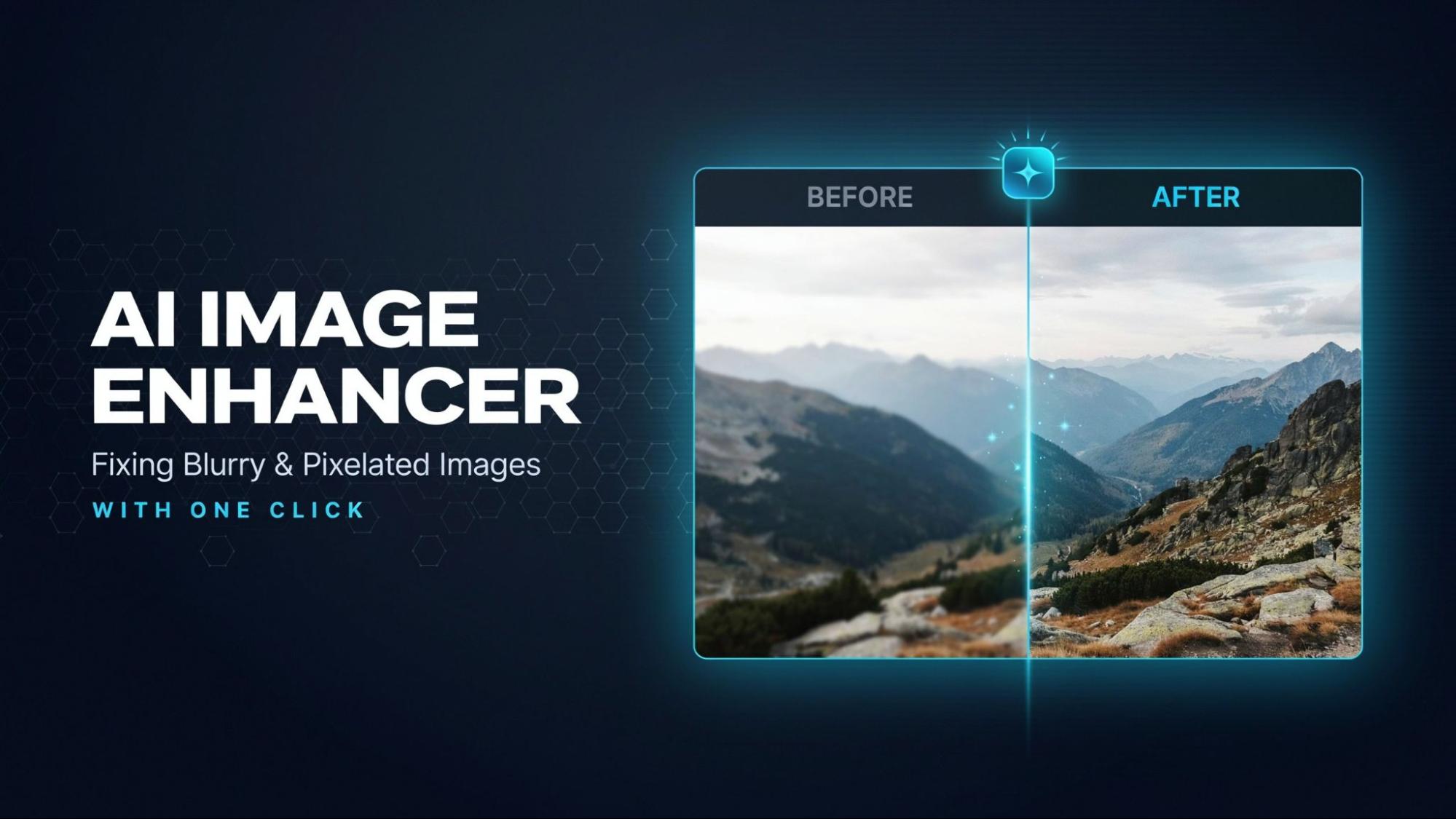
A blurry photo can ruin a good memory. A low-pixel graphic can make a business look unprofessional. Most people do not have the time or skill to fix these problems in traditional editing software. That is the exact gap an AI photo enhancer fills. It removes blur and rebuilds weak pixels in seconds, without any manual retouching, and if the image is too small it can upscale it as well.
This article explains how AI image enhancement works and why images lose quality in the first place, then looks at how a tool like an AI photo enhancer solves the problem with almost no effort from the user.
What is an AI image enhancer?
An AI image enhancer is a tool that uses artificial intelligence to improve the quality of a digital photo. It analyzes the pixels in an image and detects any parts that look blurry or broken up. Unlike manual editing, the AI does the technical work on its own. A user uploads a photo, and the system checks how sharp it is and what resolution it has, then looks at its color and detail. It then applies corrections based on patterns it has learned from millions of other images. The result is a clean image with the pixels corrected.
Why do images become blurry or pixelated?
Image quality drops for a few common reasons:
Low-resolution source files: A photo that is taken with an older camera or a low-end phone often starts with fewer pixels than it needs.
Excessive cropping or resizing: Zooming into a small section of a photo, or stretching it larger, spreads the same pixels over more space and makes edges look soft.
Compression: Sending a photo by email or through a messaging app often reduces its file size, which strips away fine detail. Social media platforms do the same.
Poor-quality screenshots or older photographs: Screenshots inherit the resolution of the screen they were taken on, and old prints or scans often carry dust and fading, along with artifacts from the scanning itself.
Each of these problems has a different cause, but they all lead to the same result: an image that looks unclear or blocky instead of sharp.
How AI fixes blurry and pixelated images
An AI picture enhancer approaches each of these problems differently, based on what the image actually needs.
For blur, the AI identifies edges that should be sharp and rebuilds them, so lines and textures regain their definition. The same applies to facial features. For pixelation, it fills in missing detail between existing pixels instead of just stretching them, which is what keeps an upscaled image from looking blocky. For compression damage, it smooths out artificial patterns like blotchy colors or harsh blocks that compression leaves behind, without flattening the real detail underneath.
The technical process behind this is complex, but the outcome is simple: the image comes out sharper and closer to how it would have looked if it had been captured or saved at full quality.
A closer look at image-enhancer.ai
image-enhancer.ai is an online AI image enhancement tool built to provide the enhanced images with a single click. It works entirely in the browser, so there's nothing to install.
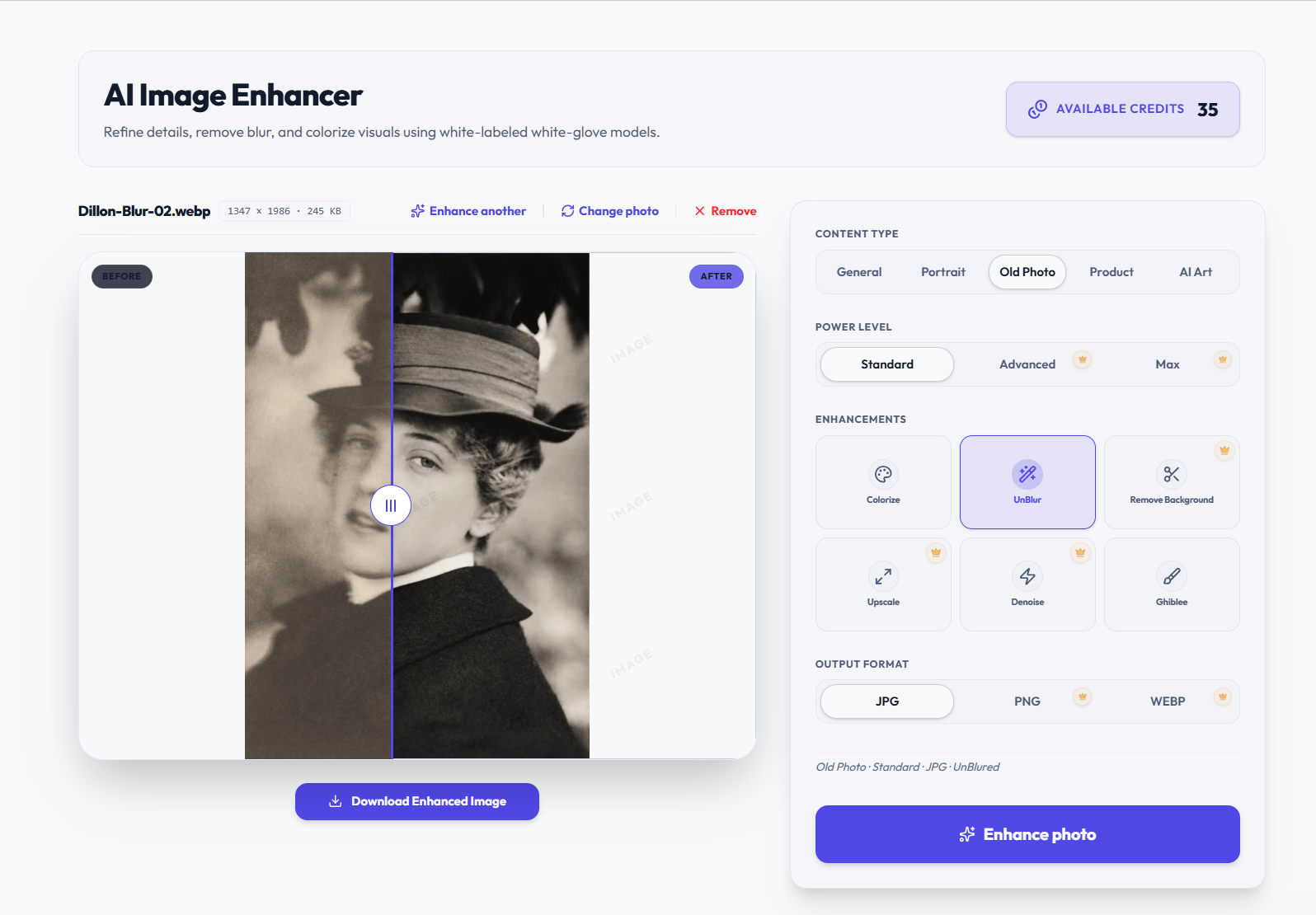
The workflow is direct. A user uploads a photo, up to 10 MB in JPG, PNG, or WebP format, and picks a content type, such as:
- General
- Portrait
- Old Photo
- Product
- AI Art
This tells the AI what kind of image it's working with, so it applies the right kind of correction instead of a generic one. From there, the user selects specific fixes like sharpening, upscaling, denoising, or background removal, and downloads the result once it's ready.
The tool also supports batch processing, so a user can enhance up to 30 images in one session instead of uploading them one at a time. This makes it useful for more than just single family photos. Business graphics and marketing images work just as well, and so do product catalogs and old scanned pictures. A free plan is available for anyone who wants to test the results before committing to a paid tier.
Benefits of using an AI image enhancer
The value of this kind of tool comes down to a few practical points:
Little to no skill required: There's no learning curve involved, unlike traditional photo editing software.
Speed: A single image is typically processed in a matter of seconds.
Consistency: The AI applies the same quality standard to every photo, which matters when working with a batch of images instead of just one.
Wide use cases: The same tool that cleans up a student's scanned documents can prepare a seller's product photos. Families use it to restore old prints.
These points explain why AI-based enhancement has replaced manual retouching for most everyday photo problems.
Who is image-enhancer.ai for?
Students and everyday users
Scanned assignments and screenshots often lose clarity when copied or shared. An image enhancer sharpens text and detail without any design software.
Online sellers and small businesses
Product photos taken on a phone often come out soft or poorly lit. Sharpening and background removal help listings look consistent and sale-ready.
Photographers
Some shots need extra detail recovered, or a larger size for print than the original resolution supports. Upscaling handles both without a manual retouching session.
Families restoring old photos
Old prints often carry fading, scratches, or lost color. Restoration and colorization bring these photos back without sending them to a specialist.
Social media creators
Images pulled from different sources vary in quality. A quick enhancement step brings them to a consistent standard before posting.
Conclusion
Blurry and pixelated images usually trace back to a handful of predictable problems, most often low resolution and heavy compression. Cropping and simple aging account for the rest. AI image enhancement addresses each of these directly, using pattern recognition instead of manual guesswork to rebuild sharpness and detail.
For anyone looking for a simple, browser-based way to clean up their photos, image-enhancer.ai offers a straightforward option worth trying.