Quick comparison: Which Upscaler offers the best value?
|
Rank |
Tool |
Before & after results |
Extreme glare test |
Free plan |
Paid from |
Upscale |
Best for |
|
1 |
Image-enhancer.io |
Sharpest faces and clearest labels |
Fixed completely |
6 credits, no watermark |
$8.99/mo |
2×, 4× |
Blurry notes, glare, best overall |
|
2 |
PhotoEnhancer.info |
Clear faces and labels, slightly over-smoothed skin |
Fixed completely |
3 images, no watermark |
$8.99/mo |
2×, 4× |
Clear photos and diagrams |
|
3 |
Let’s Enhance |
Clean and natural, back rows still soft |
Partly fixed |
10 credits, with watermark |
$9/mo (yearly) |
Up to 16× |
Natural-looking photos |
|
4 |
Canva |
Clearer, but faces look over-smoothed |
Some text readable, glare stays |
20 AI uses/month |
$18/mo |
4× or 16× (auto) |
Quick fixes inside designs |
|
5 |
Picsart |
Front row sharp, back row unclear |
No improvement |
Low-res download only |
$10.5/mo (yearly) |
2×, 4× |
Batch editing (up to 50 images) |
|
6 |
Upscale.media |
Smooth but soft |
No improvement |
3 credits/month |
$5.99/mo |
2× free, 4×/8× paid |
Light upscaling on a tight budget |
|
7 |
Adobe Firefly |
Comparatively soft result |
Unreadable |
Limited daily uses |
$9.99/mo |
2×, 4× |
Big prints, existing Adobe users |
What is an AI image upscaler?
An AI image upscaler is an online tool that turns small, blurry pictures into sharper, high-resolution images. It automatically adds missing details, so everything from group photos to pictures of lecture notes/whiteboards and screenshots looks clear.
Top rated AI image Upscalers for students in 2026
Here are the best AI image upscalers that are designed to help students easily fix blurry photos, notes and diagrams.
image-enhancer.io
Key features and capabilities
- Upscale: Enlarge images by 2×, 4×.
- Unblur and Denoise: Sharpen blurry images and reduce grain.
- Removes background: Removes background to help the main subject stand out.
- Colorize: Correct colors and lighting, and restore color to old photos.
- Ghiblee: Transforms photos into soft, hand-drawn paintings (for arts projects)
- Batch editing: Process multiple images (up to 30).
- Free to try: you will get 6 credits and output will be watermark free.
- Output format: JPG, PNG and WEBP
Pricing plans
|
Plan |
Price |
Credits |
|
Free |
$0 |
3 image one-time |
|
Basic |
$9/month |
64/month |
|
Plus |
$18.99/month |
135/month |
|
Pro |
$34.99/month |
249/month |
Real Test Results: How Does image-enhancer.io Perform?
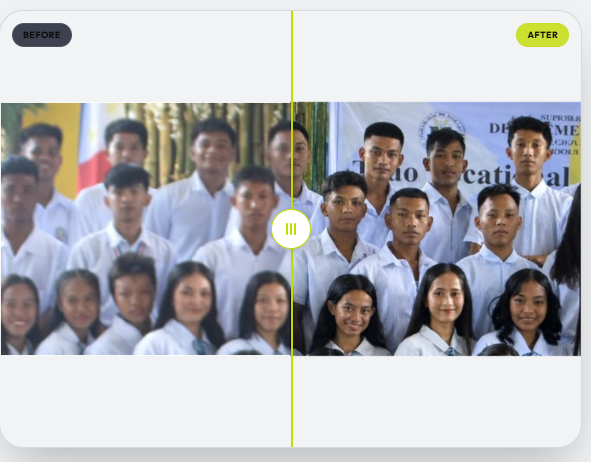
Example 1: Soft and blurry group photo
The original image is soft and blurry. Facial features and shirts are unclear, and the image has low contrast.
Enhanced result:
Full view of enhanced image:
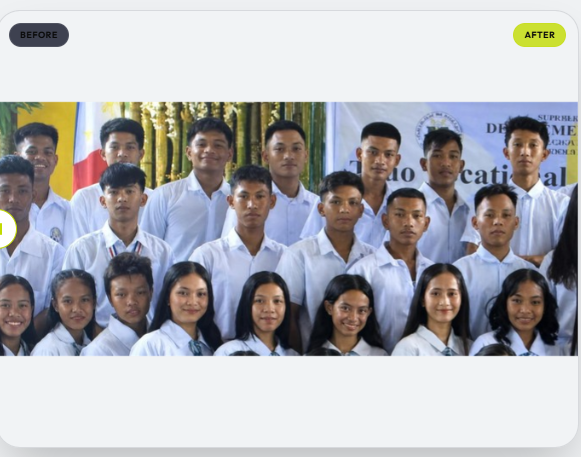
image-enhancer.io transformed this into a crisp, high-definition photo where facial features, skin textures, shirts, and even the text on the banner behind them become sharp.
Result: Visible improvement:
Cleaner and more natural with faces, outlines easier to see, with some far faces still a little soft.
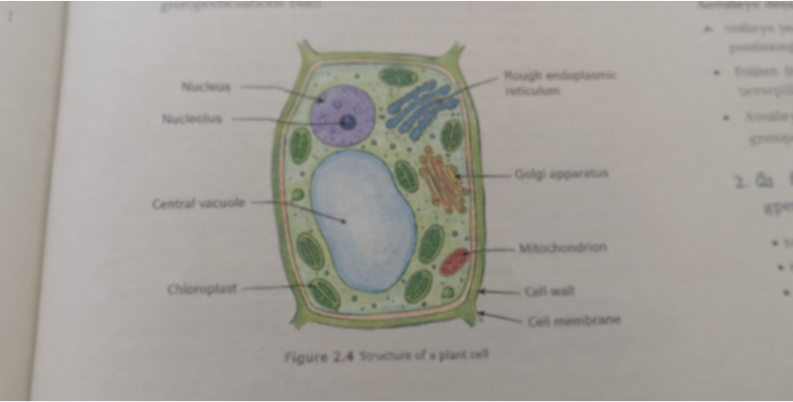
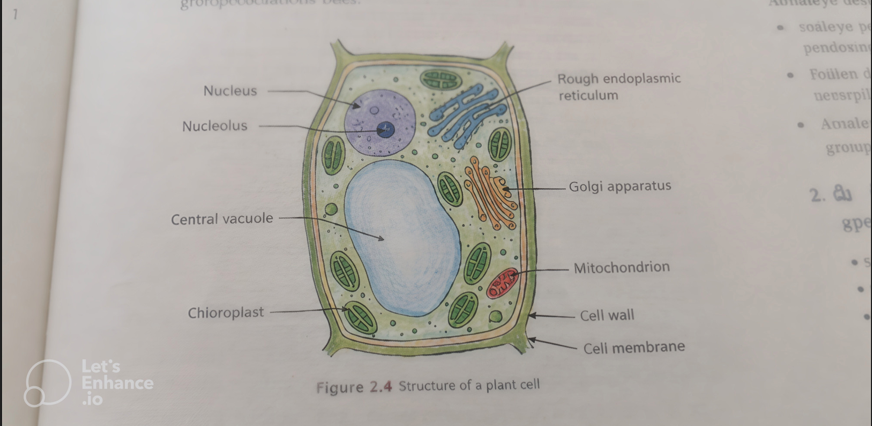
Example 2: Faded and low contrast text book diagram
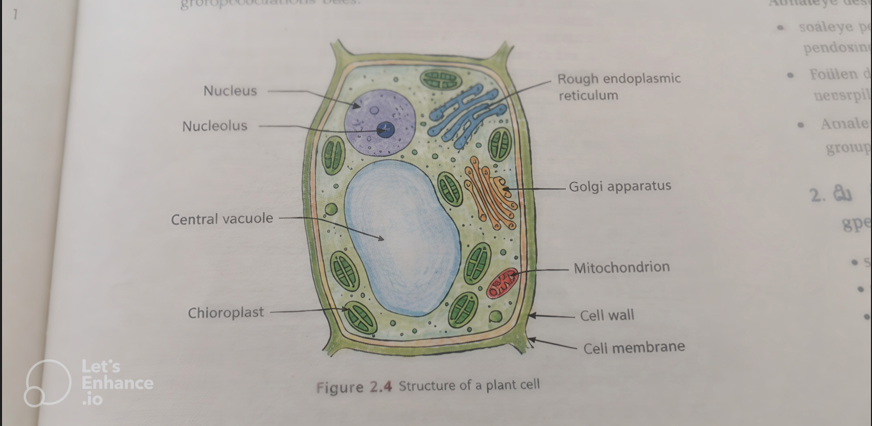
The original image has faded colors and lacks sharp contrast. The image is low-detail and blurry, with thin cell outlines, pointer lines, and small labels that look fuzzy and hard to read clearly.
Original image:
Enhanced result:
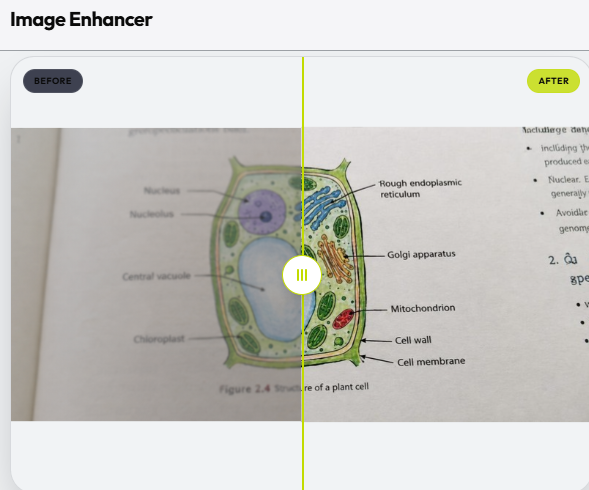
Full view of enhanced image:
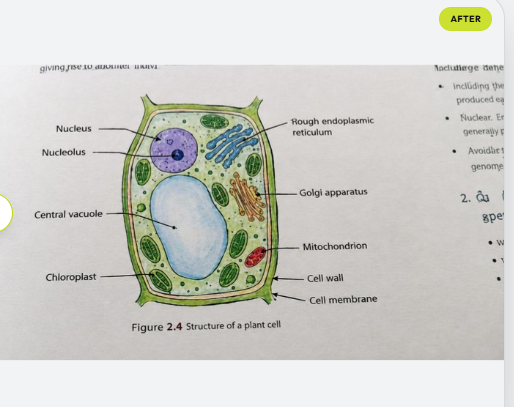
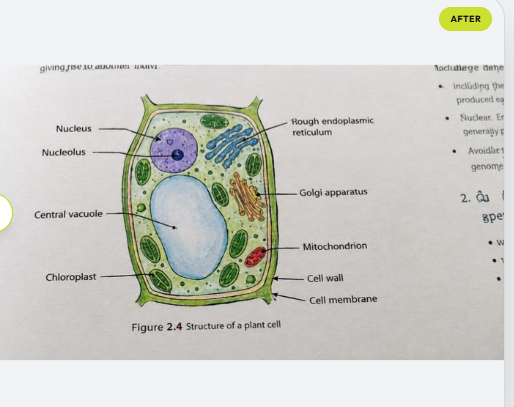
image-enhancer.io darkened the ink and cleaned up the background, making it a clear and easy to read diagram. The dull text-book page turned into a sharp and high contrast digital diagram with every small label standing out clearly.
Result: visible improvement
Clearer diagram with brighter colors, and much easier to read for study notes. Only the tiny text on the far right of the page is still a little rough.
PhotoEnhancer.info
Key features and capabilities
- Upscale and enhance: Improves blurry and low-quality photos with five content types and adjustable power levels (Standard on free, Advanced and Max on paid plans).
- Unblur: Sharpens soft photos and brings back lost detail.
- Colorize: Adds natural colour and fixes lighting in old or faded photos.
- Background removal: Cuts out the background so the main subject stands out.
- Batch upload: Plus and Pro plans can process up to 30 images at once.
- Free to try: You can enhance 3 images for free, with no watermark.
- Output format: JPG on the free plan, plus PNG and WEBP on paid plans.
Pricing plans
|
Plan |
Price |
Credits |
|
Free |
$0 |
(3 images- one-time) |
|
Basic |
$8.99/month |
64/month (up to 320 normal or 42 high-quality images) |
|
Plus |
$18.99/month |
135/month (up to 675 normal or 90 high-quality images) |
|
Pro |
$34.99/month |
249/month (up to 1,245 normal or 166 high-quality images) |
Real Test Results: How Does PhotoEnhancer Perform?
Example 1: Soft and blurry group photo
Original image:
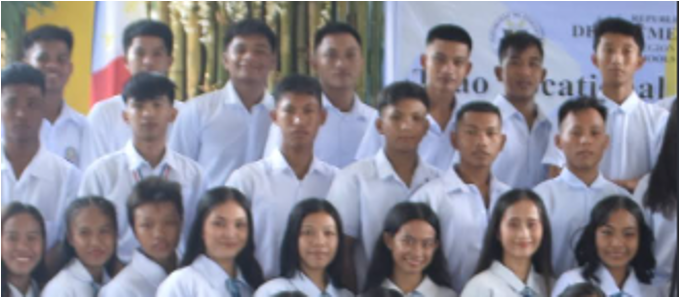
Enhanced view:
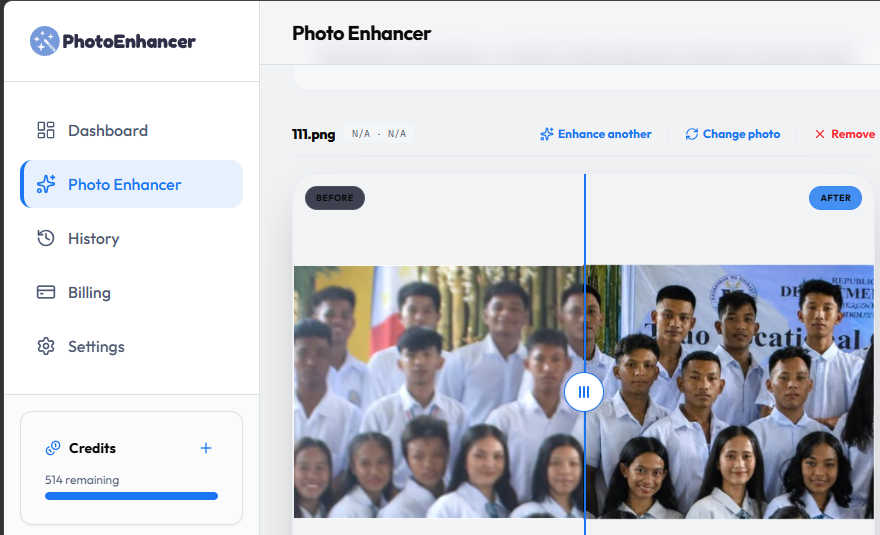
Full view of enhanced image:
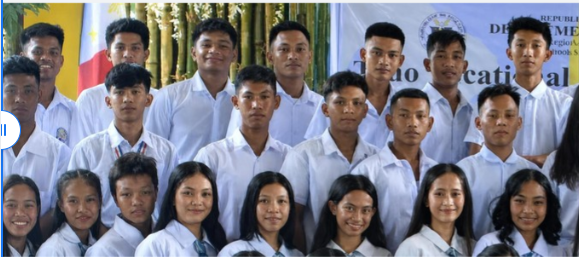
PhotoEnhancer gave a strong result. Faces in all three rows are clear and sharp, and the white shirts look clean and natural. It is close to the image.enhancer.io, though some faces look a little over-smoothed.
Result: Significant improvement
Clean and bright appearance with visibly reduced blur. Skin texture could have been improved further with smoother touch.
Example 2: Faded and low-contrast textbook diagram
Original image:
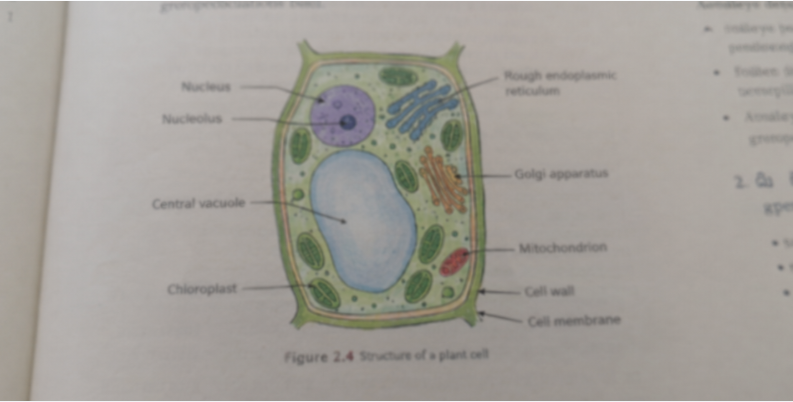
Enhanced result:
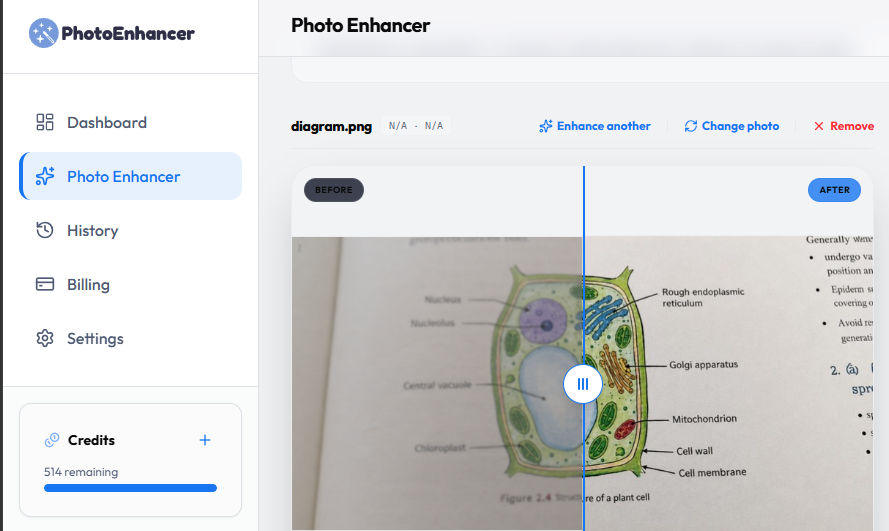
Full view of enhanced result:
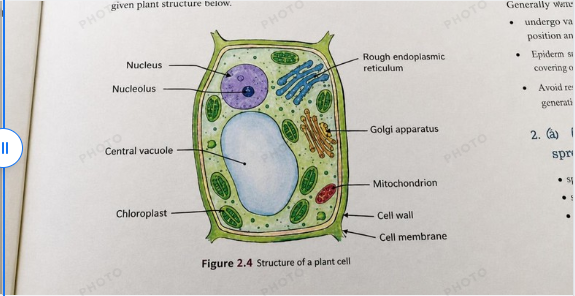
PhotoEnhancer handled the diagram very well as every label, from “Nucleolus” to “Cell membrane”, is easy to read, and the colors look bright and natural.
Result: Significant improvement
Clean and high-contrast image with clear text. The thinnest lines are a little soft.
Lets enhance
Key features and capabilities
- Upscale: Increases image size up to 16x using six special AI models made for different image types.
- Different modes: Choose Gentle, Precise, Prime or Old photo modes that suit the image.
- Size control: Choose Auto or your own width and height.
- Light AI setting: A slider to control how much the AI changes the image to keep the result stays natural.
- Batch editing: Process multiple images (up to 20).
- Free to try: New accounts get 10 free credits but output will be with watermark.
Pricing plans
|
Plan |
Price (billed yearly) |
Price (billed monthly) |
Credits |
|
Free |
$0 |
$0 |
10 (one-time) |
|
Starter |
$9/month |
$12/month |
100/month |
|
Pro |
$24/month |
$32/month |
300/month |
|
Max |
$34/month |
$45/month |
500/month |
Real Test Results: How Does Let’s Enhance Perform?
Example 1: Soft and blurry group photo
When same photo is brought to let’s enhance, following was the output:
After enhancement
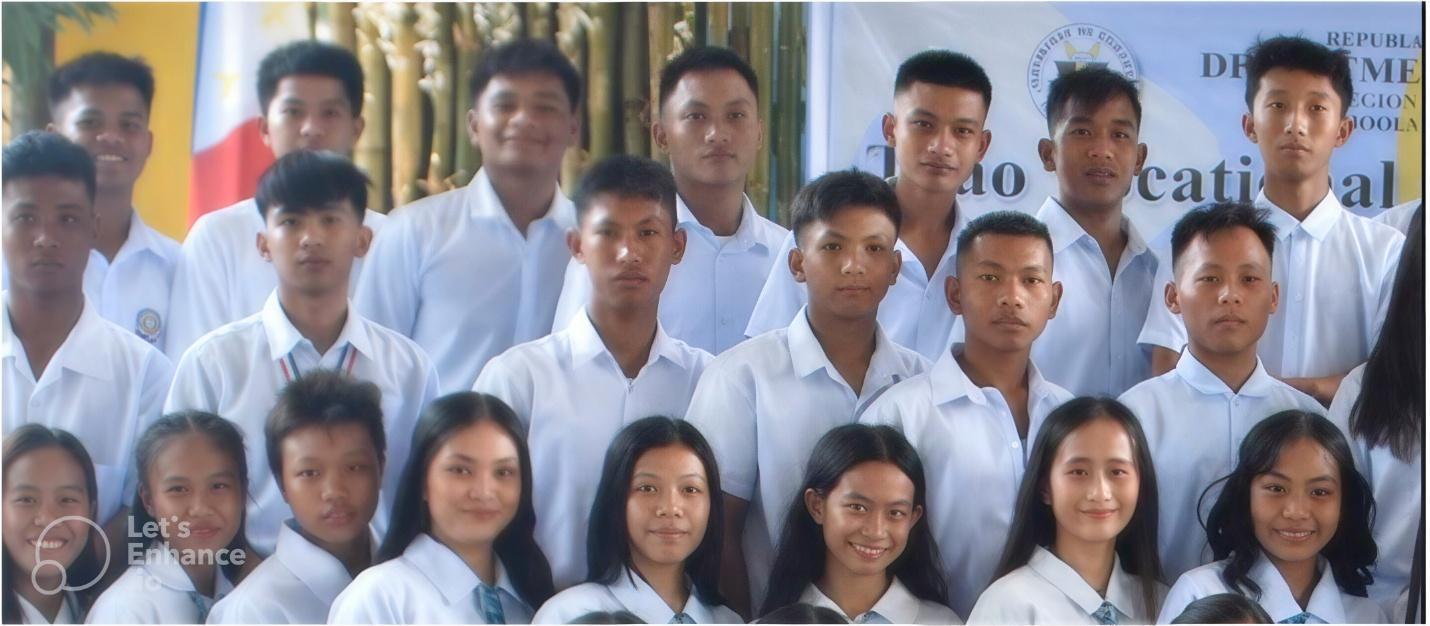
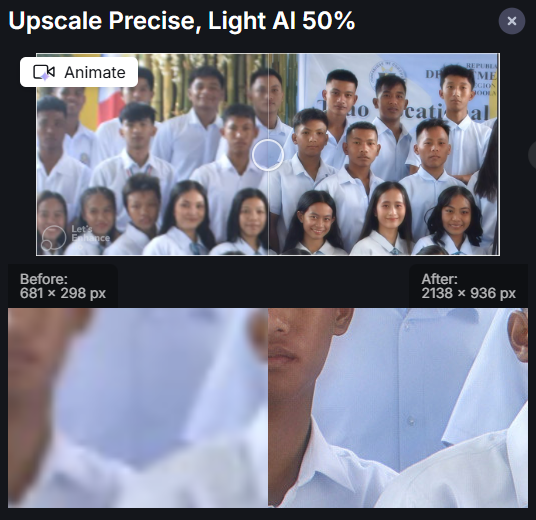
Enhanced result:
Let’s Enhance made the photo about 3 times bigger (from 681 × 298 px to 2138 × 936 px) while keeping it natural. When zoomed in, shirt folds and facial features look clean and sharp.
Result: Visible improvement:
Much clearer and more natural-looking, with details that were missing are now easy to see. The overall photo is still a little soft in places, particularly some faces in the back row.
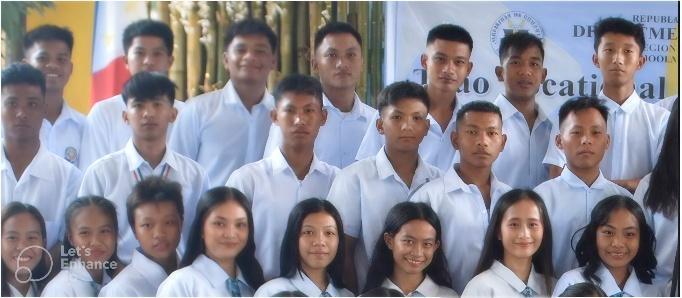
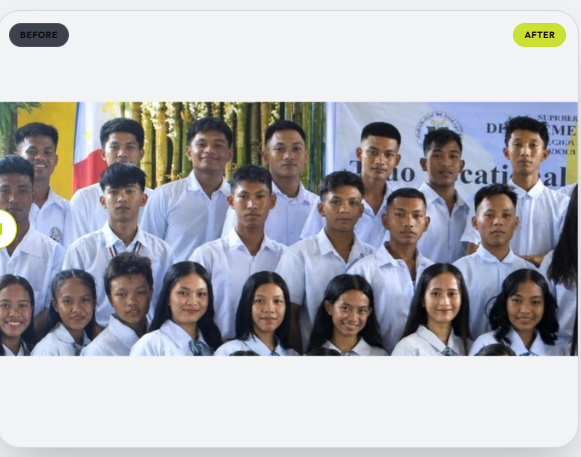
Why does "Let's Enhance" come 2nd to image-enhancer.io? it is because image-enhancer.io made almost all faces sharp, while let’s enhance mainly worked on front rows:
Side by side comparison of top two results
Let’s enhance Image-enhancer.io
Example 2: Faded and low-contrast text book diagram
After enhancement:
Let’s Enhance boosted the resolution and darkened the text. It sharpened the lines and made the labels much cleaner. Words like Cell wall and Mitochondrion, which were blurry before, can now be read easily.
Result: Improvement:Clearer diagram that is easier to read than before. The colours however are slightly dull, and a few words on the right side of the page are still faint. The free version also adds a small logo on the image.
Image-enhancer.io made diagram more vibrant and easier to read than let’s enhance:
Side by side comparison of top two results
Let’s enhance Image-enhancer.io
Canva
Key features and capabilities
- Upscale: Automatically enhances low-resolution or blurry images to make them sharper and clearer.
- Automatic Factor Selection: Intelligently chooses the 4x or 16x upscale level based on source dimensions and quality.
- File Compatibility: Supports JPG and PNG inputs, but excludes vector graphics.
- Size Limits: Accepts images from 10 × 10 pixels up to 25 megapixels and outputs up to 50 megapixels.
- Single-Use Application: Each image can be upscaled once through the tool.
- Free plan available: Free accounts using monthly allowances and paid plans exempt from usage draws.
- Download format: JPG, PNG and PDF
Pricing plans
|
Plan |
Price (billed yearly) |
Price (billed monthly) |
Credits (AI uses) |
|
Free |
$0 |
$0 |
Up to 20 uses of Standard AI tools. |
|
Pro |
$144/year |
$18/month |
Standard AI tools do not reduce the monthly AI allowance. |
Real Test Results: How Does Canva Perform?
Example 1: Soft and blurry group photo
Full view of enhanced image:
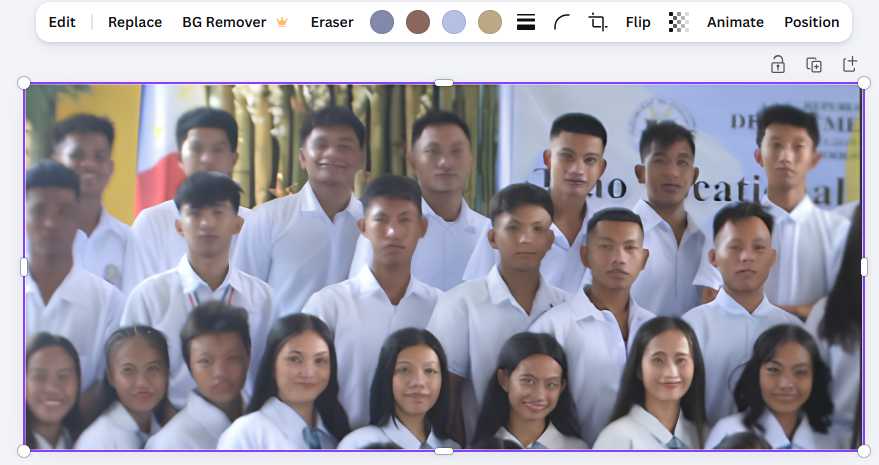
Canva enhanced image resolution and made the picture cleaner due to gentle sharpening. Shirts and colors are bright, and facial features appear clearer and natural. But some faces are still blurry.
Result: Improvement
Clearer overall appearance and improved brightness, but the tool struggled with small faces and left some distortion with some unnatural smoothening around eyes and mouths.
Example 2: Faded and low-contrast textbook diagram
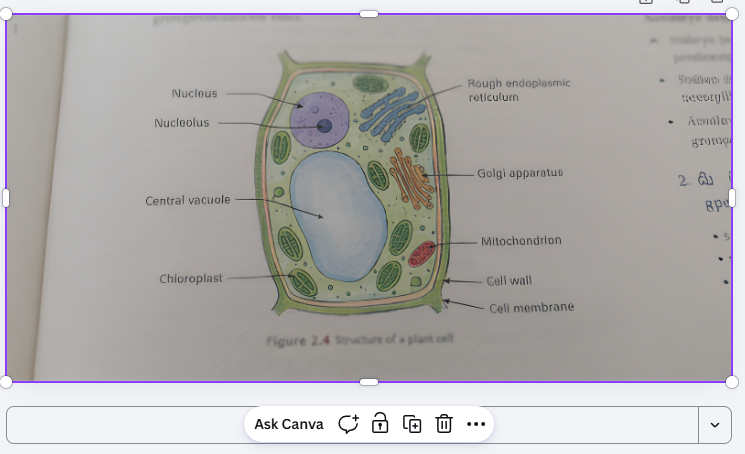
Canva increased image resolution and gave the hazy textbook page a soft sharpening touch, making diagram and labels look tidier and easy to read.
Result: Improvement:
Easier to read than the original and good enough for quick study notes. The text can be easily read with clear alphabets. Some words on the top are a little soft and faint.
Picsart
Key features and capabilities
- Upscaling: Enlarge images by 2× or 4×, or enter custom dimensions (maximum 4,096 px).
- AI detail recovery: Sharpens edges and restores textures, improving overall image details.
- Blur and noise removal: Reduces blur and grain while keeping details natural.
- Colour accuracy: Maintains vibrant colours and natural tones after enlargement.
- Batch upscaling: Enlarge up to 50 images at once.
- File support: Supports JPG and PNG images.
Pricing plans
|
Plan |
Price (billed yearly) |
Price (billed monthly) |
Upscaler access |
|
Free |
$0 |
$0 |
Low-resolution download only |
|
Pro |
$10.5/month |
$15/month |
High-resolution download, bulk edit up to 50 images |
|
Ultra |
$24.5/month |
$45/month |
Everything in Pro, bulk edit up to 100 images |
Example 1: Soft and blurry group photo
Full view of enhanced image:
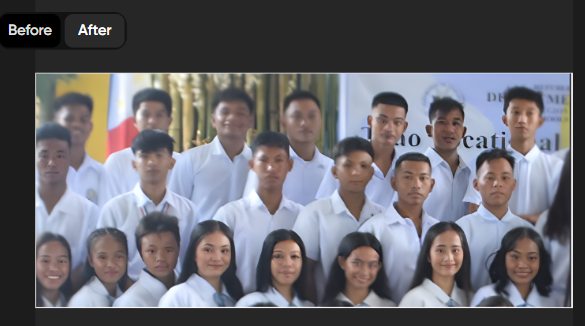
Picsart noticeably improved the clarity of the front row and added sharpness to the banner text that made the overall group shot look brighter and more structured. However, some faced in the middle and back row are still blurry.
Result: Improvement
Clearer facial features for front-row students and sharper details, though the faces in the back row still look somewhat smudged and uneven compared to the top two tools.
Example 2: Faded and low-contrast textbook diagram
Full view of enhanced image:
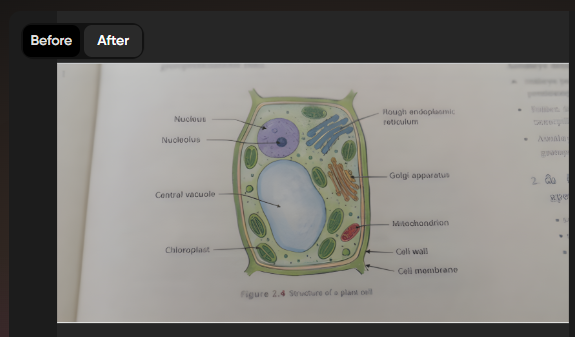
Picsart sharpened the main cell outlines and made the labels readable for study notes. It gave the overall page a cleaner look with sharper colours.
Result: Improvement
Clearer diagram lines and decent readability for main labels, though the letters look slightly thicker and could be made crispier.
Upscale.Media
Key features and capabilities
- Upscaling: Enlarge images by 2× (free), 4× or 8× (paid).
- Feature Enhancements: Built-in tools for face restoration, deblurring, lighting correction, and sharpening.
- File support: Accepts JPG, JPEG, PNG, WEBP and HEIC.
- Batch processing: The standard tool processes one image at a time. Bulk processing is available on paid plans.
Pricing plans
|
Plan |
Price |
Image upscaling allowance |
|
Free |
$0 |
3 credits and 3 downloads per month |
|
Subscription |
$5.99 billed monthly |
$0.01 per credit |
|
Pay-as-you-go |
From $2.99 billed once |
60 credits |
Example 1: Soft and blurry group photo
After enhancement:
Full view of enhanced image:
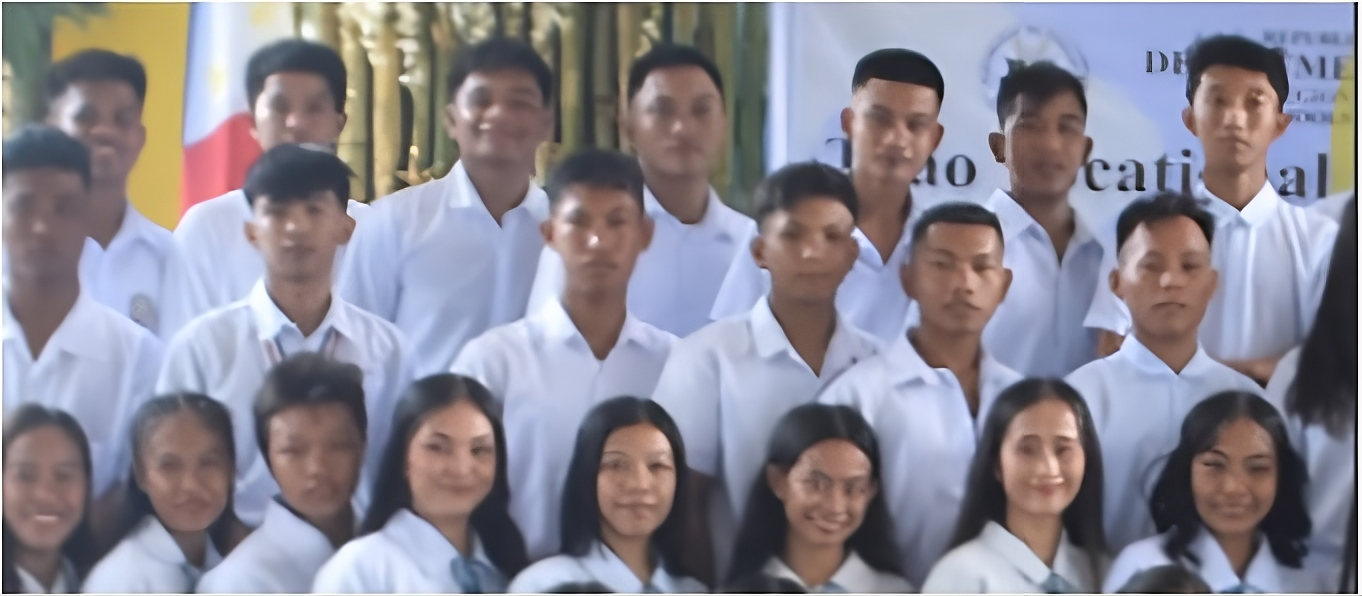
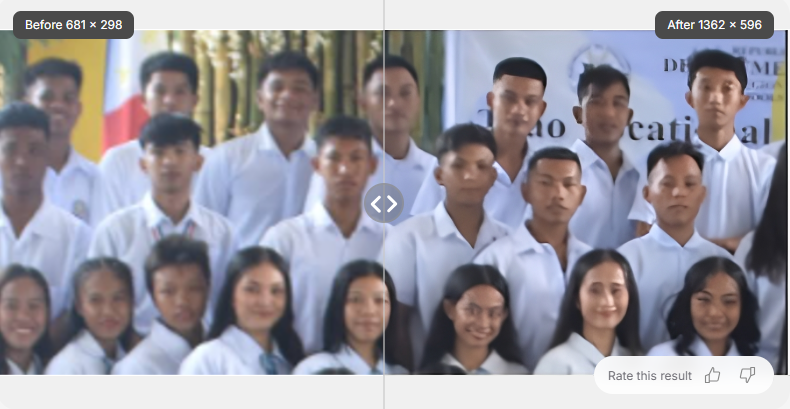
Upscale.Media doubled the resolution (from 681 × 298 px to 1362 × 596 px) and sharpened the faces in front and middle rows, making overall photo cleaner and more defined. It cleaned rough edges and made the photo smoother than original, as faces are easier to recognize.
Result: Improvement
Clearer facial outlines and sharper clothes and colors, but slightly smoothed-over texture on a few eyes and eyebrows in the back. Some faces are still soft and fine details like skin texture are sharper than original, but not as sharp as the top two results.
Example 2: Faded and low-contrast textbook diagram
After enhancement:
Full view of enhanced image:
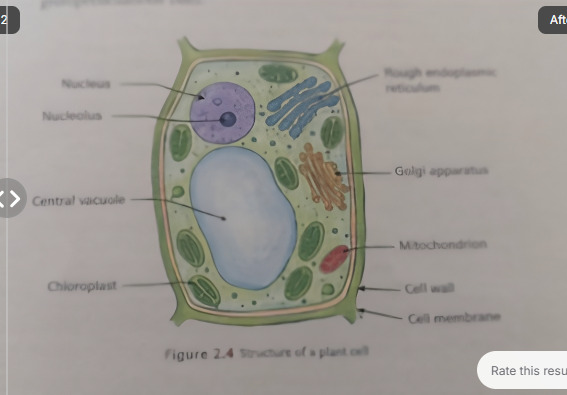
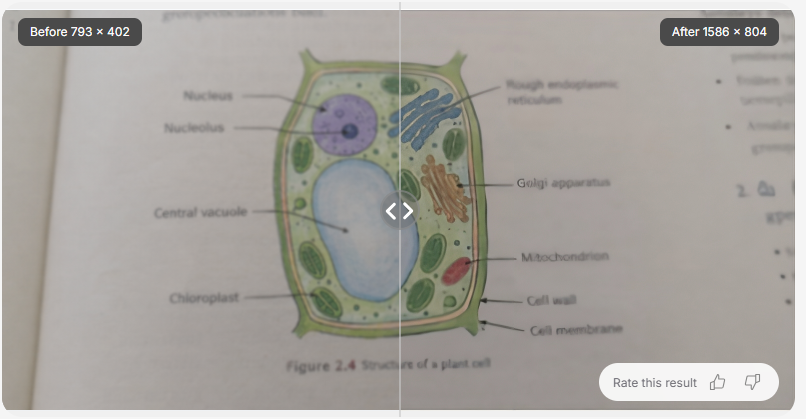
Upscale.media sharpened the diagram lines and made all the main labels darker. It made the image twice as big (from 793 × 402 px to 1586 × 804 px). While labels are now readable, but with lesser clarity than top two results
Enhanced result: Some improvement
Better contrast than original with clearer lines and reduced blur. Labels can be read but text is still a little soft, and the colours stay natural. The tool however did not boost the contrast on text much.
Adobe
Key features and capabilities
- Upscaling: Enlarge images by 2× or 4×.
- AI models: Choose Firefly Upscaler, Topaz Bloom or Topaz Gigapixel.
- Detail enhancement: Restore clarity and sharpen textures to improve image quality.
- Face recovery: Preserve facial details when using Topaz Gigapixel.
- File support: Accepts JPG, PNG and WEBP files up to 100 MB.
- Batch processing: The standalone upscaler accepts only one image at a time.
Pricing plans
Pricing plan for individuals:
|
Plan |
Price |
Credits |
|
Free |
$0 |
Limited daily generations |
|
Standard |
$9.99/month |
2,000/month |
|
Pro |
$19.99/month (currently $9.99/month for the first 6 months) |
4,000/month |
|
Pro Plus |
$49.99/month (currently $19.99/month for the first 6 months) |
10,000/month |
Example 1: Soft and blurry group photo
After enhancement:
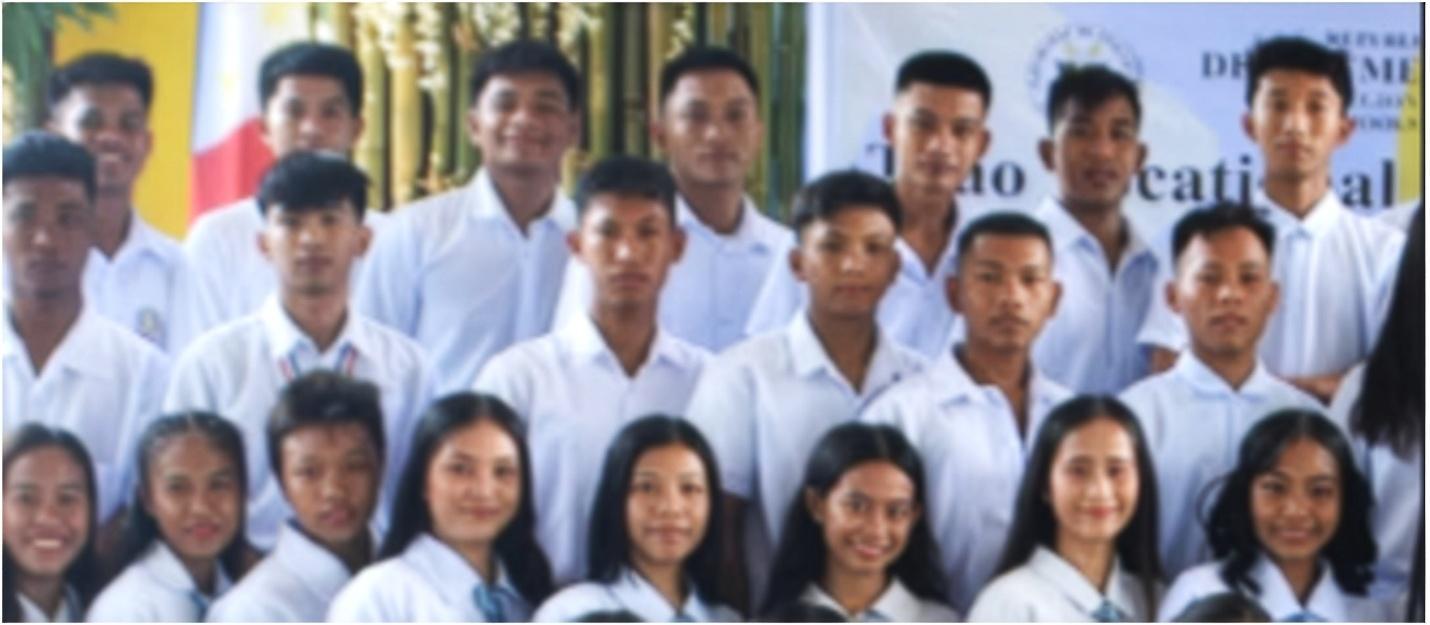
Adobe increased the image resolution and upscaled it to 4x, making it fit for big prints. It smoothed out rough pixels. Faces in the front and middle row are easier to recognize. However, instead of sharpening the fine details, it mostly smoothed out the blur.
Result: Improvement:
Clearer faces than the original with better contrast and reduced blur, but sharpness could have been sharper and more natural. The gentle approach left many faces still quite soft and blurry in comparison to the above five tools.
Example 2: Faded and low-contrast textbook diagram
After enhancement:
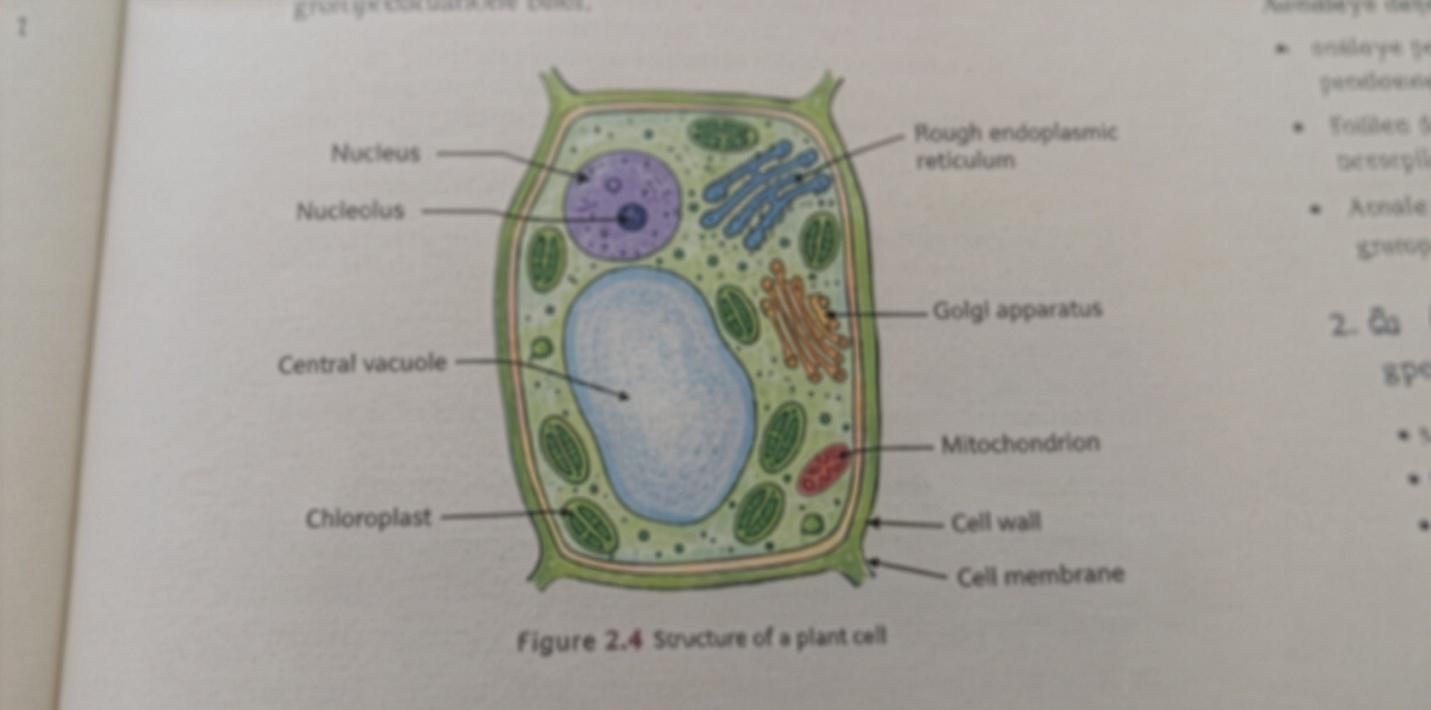
Adobe made the image larger and gave the textbook page a tidier look. The main labels are readable, but the tool didn't aggressively darken the ink and pointer lines are still a little soft.
Result: Some improvement
Easier to read than the original and good for a quick digital cleanup. However, the contrast on the text was not boosted much that left the smallest labels looking washed out and hard to study from.
Hard test of AI capabilities: extreme glare
This is a tough test: an overexposed and washed-out handwritten note where the text is barely visible.
Here is how the tools handled the extreme glare
Original image
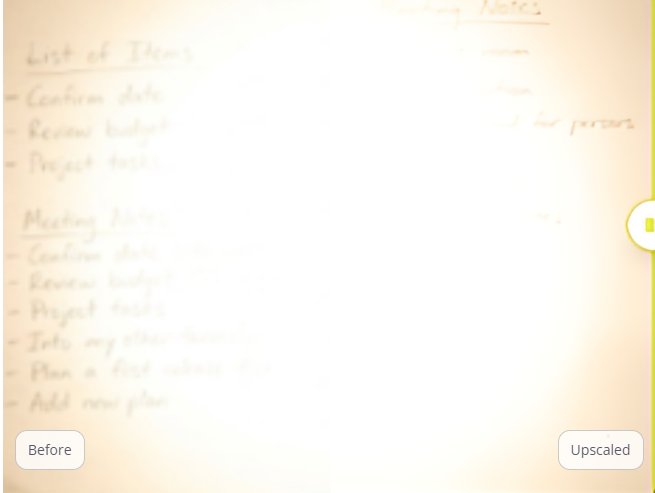
Let’s enhance result
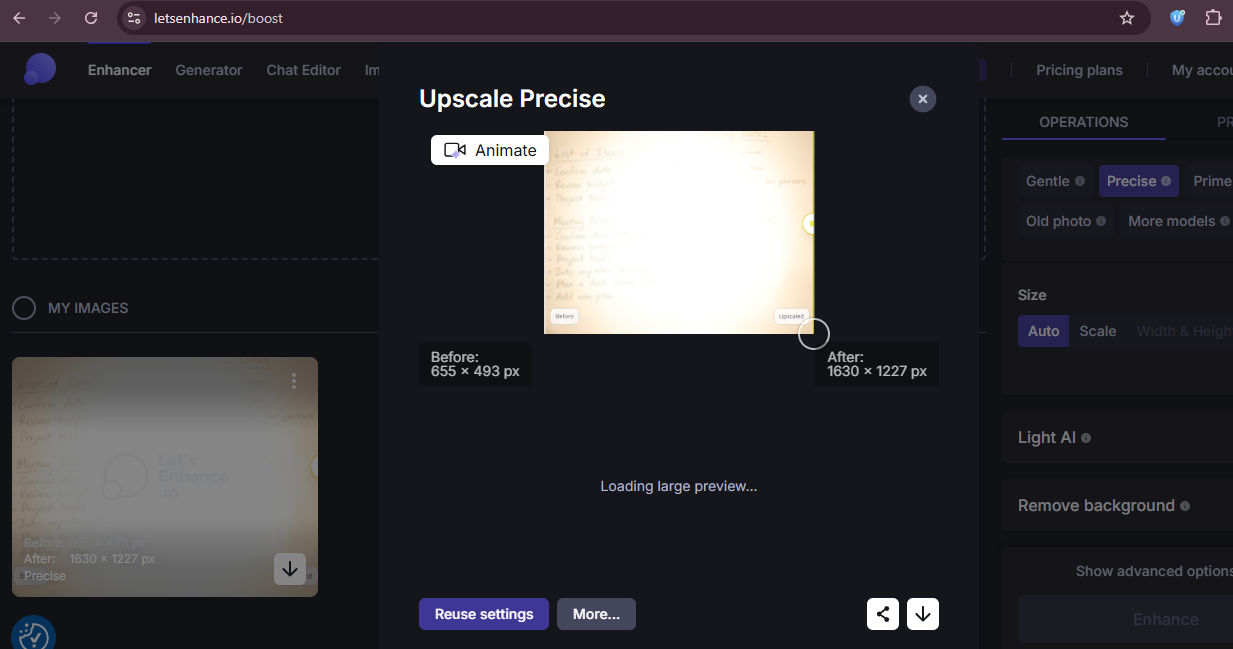
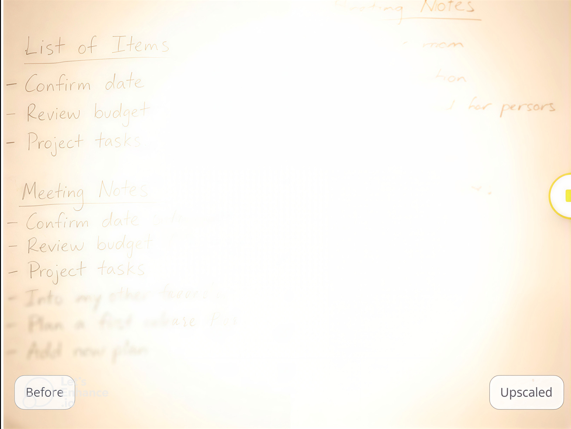
Slightly sharpened the outer edges and made some writing readable, but failed to cut through the heavy central glare, leaving the middle notes unreadable.
Adobe:
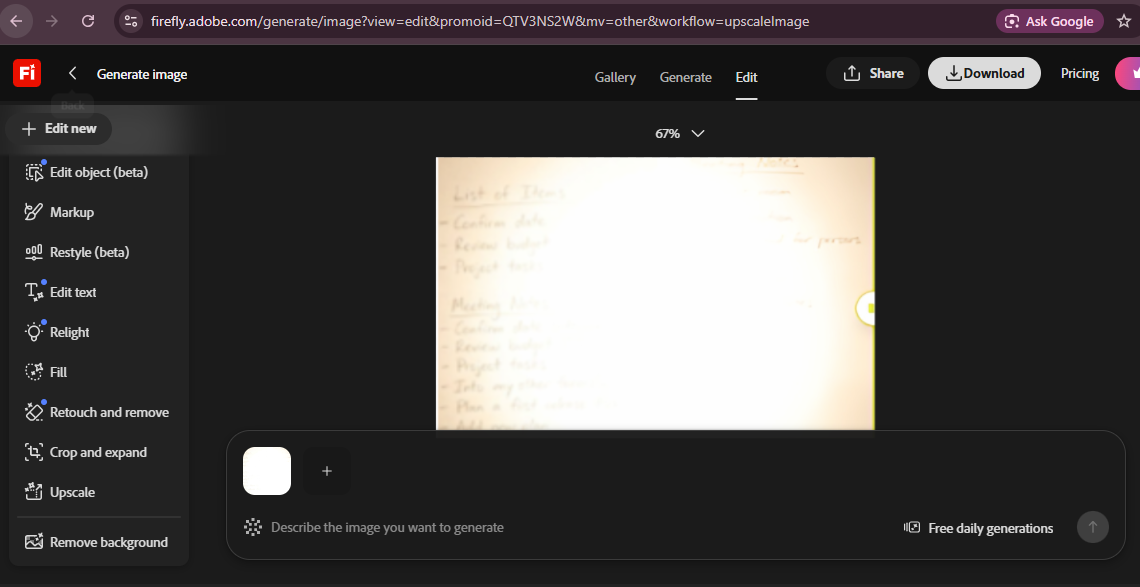
The text remains washed-out and completely unreadable by the bright glare.
Picsart:
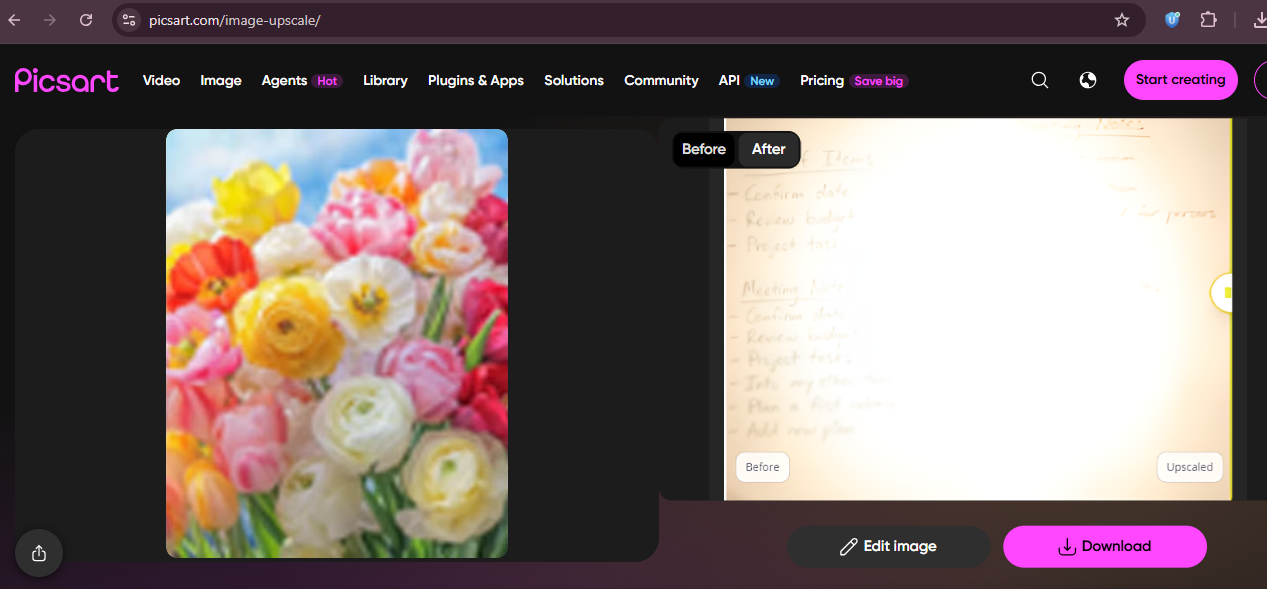
Almost the same result, nothing is readable and glare remains there.
Canva
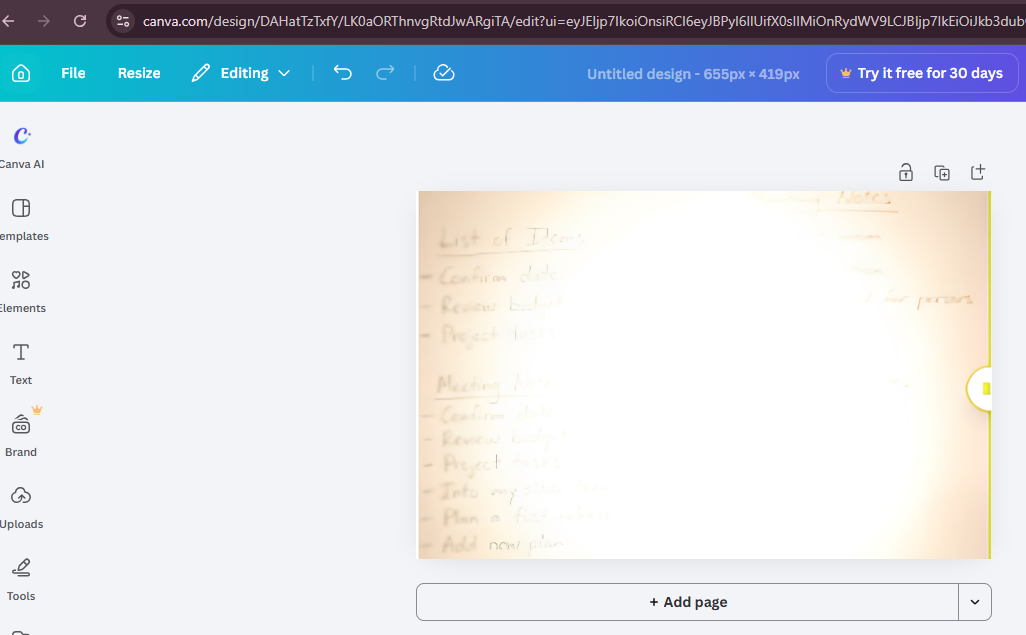
Some text is readable, but the tool failed to cut the glare through the middle.
Upscale.Media
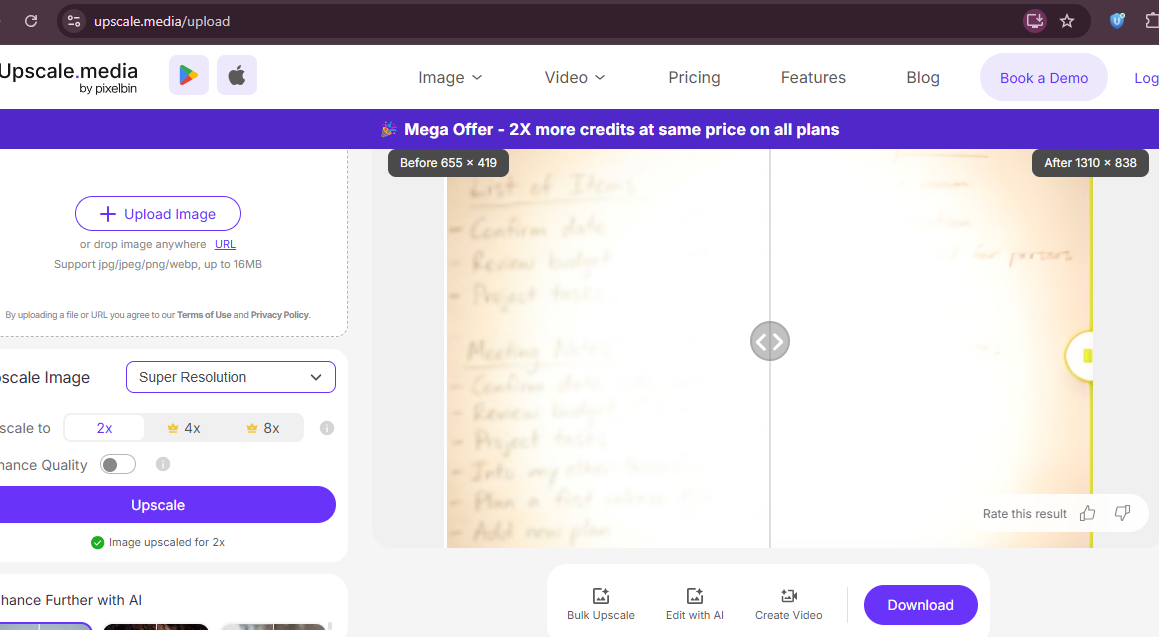
Almost same result. No visible improvement.
Image-enhancer.io
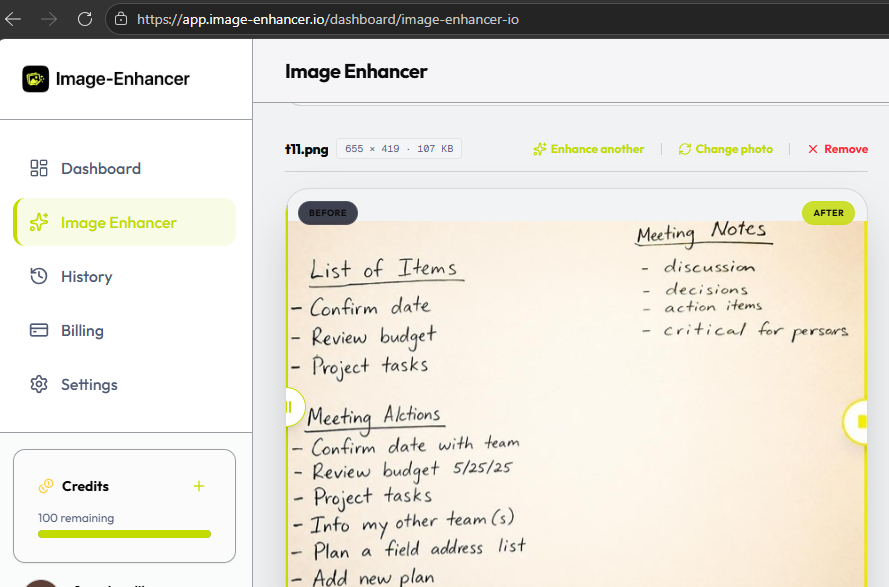
This image enhancer completely removed the blinding glare and reconstructed every blurred and washed-out word into crisp and dark, and effortlessly readable handwriting.
PhotoEnhancer.info
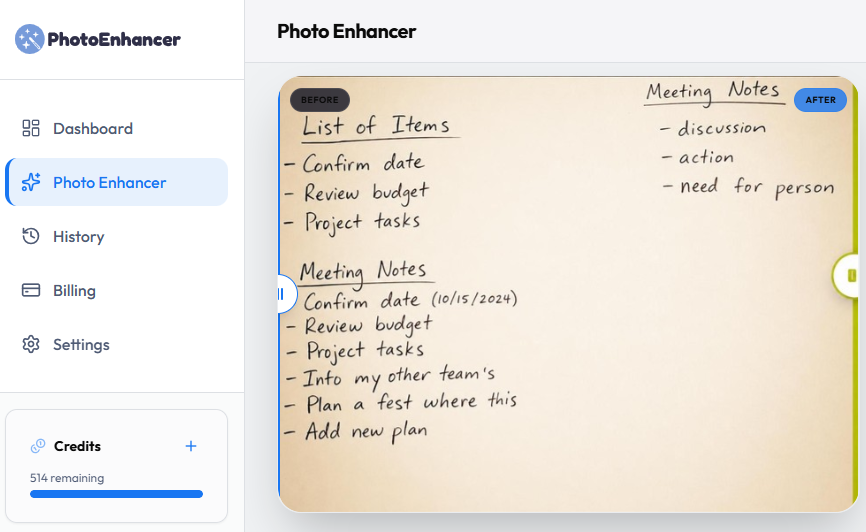
Another winner is photoenhancer. It also removed the glare completely and has intelligently reconstructed text details, making it very easy to read.
Which Upscaler should you choose?
For students balancing tight budgets and study needs, image-enhancer.io and PhotoEnhancer.info are the winners as they both can handle extreme glare and offer unmatched clarity.
However, if you need more free trials and only want light upscaling, then tools like Canva or Let's Enhance offer great budget-friendly alternatives. Upscale.Media also offers reasonable results with the cheapest monthly subscription.
Try your first upscale free today.