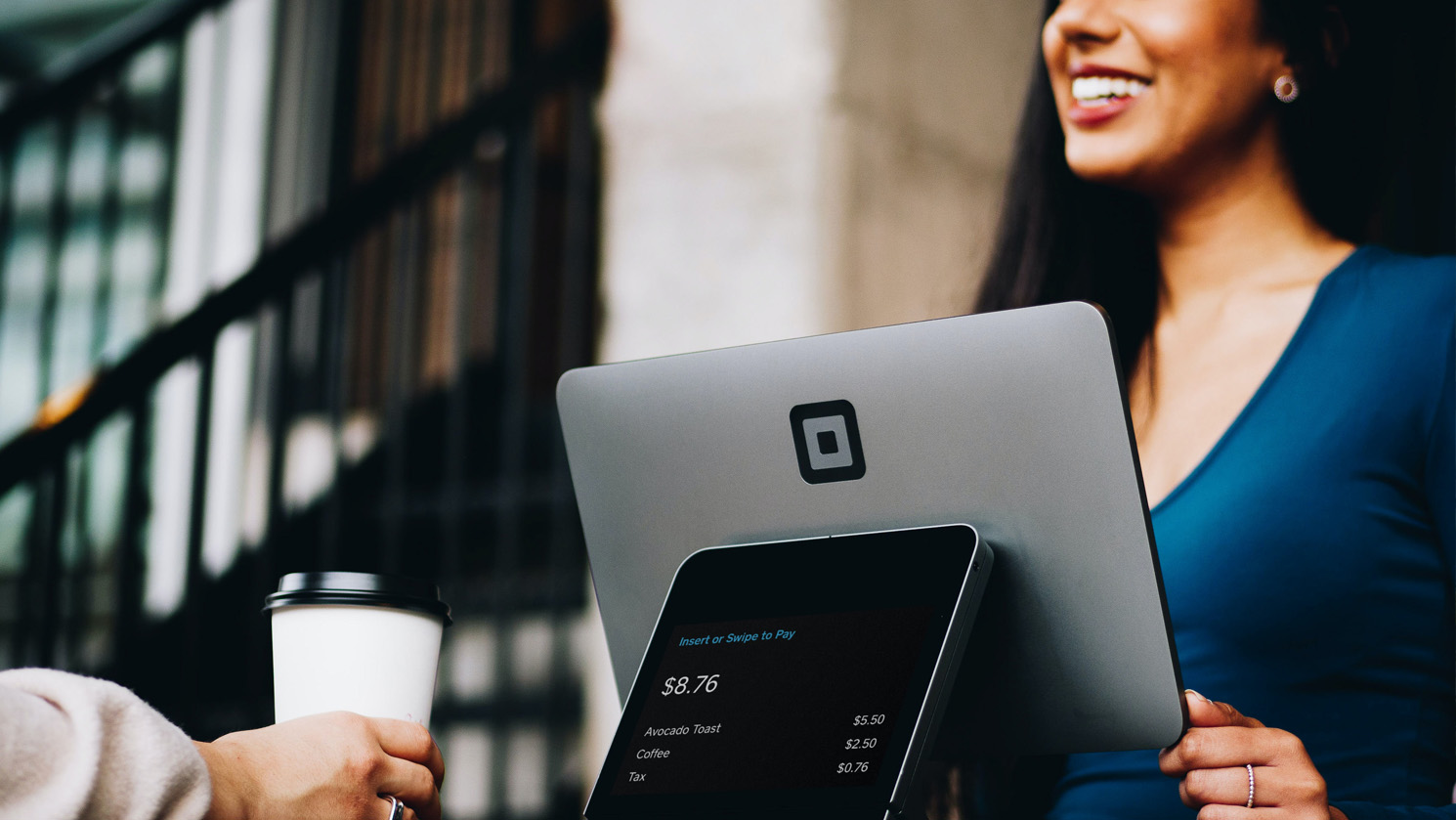
This guide reviews the cheapest POS systems for small and medium hospitality businesses in 2026. We are looking at software cost, merchant fees, hardware support, extra features, and support options.
A point of sale system does more than process payments—it tracks sales, manages inventory, prints receipts, and helps run your business efficiently. Choosing the wrong POS can lead to high software costs, hidden fees, or expensive hardware.
Why Choosing the Right POS Matters
Choosing a POS system is one of the most important decisions for a hospitality business. It impacts daily operations, costs, and customer satisfaction. Here’s why:
1. Controlling Costs
Many POS systems advertise low monthly subscriptions, but hidden costs like merchant fees, add-on features, or proprietary hardware can quickly add up.
- Example: A medium restaurant with $80,000/month in card sales could pay over $1,000/month in merchant fees alone with some POS systems. Choosing one with transparent, lower fees can save thousands per year.
2. Streamlining Operations
A POS system isn’t just a cash register—it’s an operational hub.
- Features like table management, kitchen displays, and inventory alerts reduce mistakes, save staff time, and keep orders flowing smoothly.
- Example: A café with 10 staff using a poorly designed POS spends 15 extra minutes per shift manually tracking inventory. That’s nearly 75 hours of lost time per month—equivalent to almost two full-time employees’ wages.
3. Enhancing Customer Experience
Customers expect fast, accurate service. A slow or unreliable POS can lead to long queues, incorrect orders, and unhappy patrons.
- POS systems with loyalty programs, integrated payments, and online ordering can increase repeat customers and sales.
4. Flexibility with Hardware
Some POS systems lock you into expensive proprietary terminals. Others, like POSApt and Square, support Android tablets and iPads, letting you use devices you already own. Flexibility can save thousands in setup costs.
5. Support and Training
Downtime during peak hours can cost hundreds of dollars per hour.
- Systems with 24/7 human support (like POSApt) ensure that technical issues don’t interrupt business.
- Systems with limited support may force you to rely on email or chatbots, delaying problem resolution.
How to Choose the Right POS System
Selecting a POS system is more than picking the cheapest option. Here’s a step-by-step guide:
Step 1: Calculate Your Monthly Card Sales
Knowing your monthly card turnover helps determine merchant fee costs.
- Small café: $25,000/month → 1.6% merchant fee = $400/month
- Medium restaurant: $80,000/month → 1.6% merchant fee = $1,280/month
Note: Businesses often pass card processing fees on to customers as a card surcharge, so these fees do not always directly reduce profit. However, if the surcharge is too high, some customers may hesitate to pay or choose a competitor that appears cheaper at the counter.
It is also important to remember that merchant fees exist regardless of which POS you use. Even if your POS is not integrated, you still pay merchant fees to your bank or payment provider. For this reason, many restaurants prefer an integrated POS and payment system. Integration reduces double handling, prevents payment and order mismatches, speeds up checkout, and improves overall customer satisfaction during busy service periods.
Step 2: Decide on Device Preference
- Do you want to use existing tablets (Android/iPad) or buy a dedicated terminal?
- Flexible systems like POSApt POS allow you to reuse hardware, saving setup costs.
Step 3: Evaluate Features You Really Need
- Core POS: payment processing, table management, and inventory
- Optional: online ordering, loyalty programs, marketing tools, advanced reporting
- Make a list of features and check which are free vs paid add-ons.
Step 4: Check Support Options
- Is support available 24/7? Is it human support or automated chat?
- Example: During a Friday night rush, POSApt’s 24/7 support can prevent lost sales if a printer fails.
Step 5: Compare Total Cost
- Include software subscription, merchant fees, hardware, and extra features.
- Don’t focus only on the “free” software plan—merchant fees often cost more than subscriptions. For example, Square doesn’t offer merchants a choice. You must use their system.
Step 6: Try Before You Commit
- Many systems offer free trials or free plans. Test the POS in real conditions with staff.
- Look for ease of use, reliability, and speed—more important than minor extra features.
Common Mistakes When Choosing a POS
- Focusing only on software cost
- Example: A $50/month POS may seem cheap, but merchant fees of 2% could cost hundreds more than a free POS with lower fees.
- Buying proprietary hardware unnecessarily
- Proprietary terminals often cost thousands upfront.
- Flexible systems (iPad/Android compatible) let you reuse devices you already own.
- Ignoring support options
- Downtime can cost $500+ per night for busy restaurants.
- Free software with no support(like Square) may cause hours of downtime if the POS crashes.
- Not calculating total cost of ownership
- Include merchant fees, subscription, hardware, add-ons, and training.
- Overcomplicating with features you don’t need
- Many businesses buy loyalty programs, marketing add-ons, or online ordering modules they don’t use.
- Choosing a system without scalability
- A small café may be fine with one device, but a growing business needs multiple terminals, locations, and staff accounts.
5 Cheapest POS Systems for Hospitality in Australia 2026
1. POSApt — Free POS with 1.6% Merchant Fee
Why it’s cheap:
- Free POS software for hospitality
- Covers core functions: table & menu management, inventory, reporting, loyalty, and marketing
Merchant fee:
- 1.6% per transaction
Hardware:
- Supports Android tablets and iPads
- Optional hardware bundles available
Support:
- 24/7 human support included at no extra cost
Cost for Extra Features:
- Most advanced features included in the free plan
- Optional upgrades:
- $66/month: use your own merchant account
- $119/month: online ordering only
- $185/month: POS + online ordering + website
Best for:
- Small cafés, casual restaurants, or pubs
- Medium venues needing 24/7 support
Cons
- Relatively newer brand, so there are fewer public reviews compared to larger global POS companies.
- Businesses that want a fully custom or negotiated merchant rate may need to move to a paid option.
2. Zeller POS Lite — Low Fees
Why it’s cheap:
- Free software paired with payment processing
Merchant fee:
- 1.4% in-person, 1.7% for mail/phone orders
Hardware:
- Supports Android & iPad
- Includes card reader; optional full terminals
Support:
- Standard customer support; not 24/7
Cost for Extra Features:
- Minimal published software add-ons
- Extra costs mainly hardware (SIM, terminals)
Best for:
- Small businesses needing low in-person fees
Cons
- Uses Zeller’s own merchant service only, so you cannot bring an existing merchant account.
- Some businesses report account verification delays or temporary fund holds, which can affect cash flow.
- POS features are more basic, so restaurants needing advanced table management or kitchen screens may need integrations.
3. Square POS — Free Software, Flexible Hardware
Why it’s cheap:
- Free POS software, flexible hardware
Merchant fee:
- 1.6% per tap/swipe/insert
- 2.2% for online/card-not-present
Hardware:
- Works on Android, iPads, smartphones
- Optional: Stand, Kiosk, Register, Terminal
Support:
- Chat, phone, help centre; 24/7 human support requires Plus plan
Cost for Extra Features:
- Plus plan $129/month/location
- Loyalty tools & team management may cost extra
Best for:
- Pop-up cafés, food trucks, small restaurants
Cons
- You must use Square as the merchant provider, with no option to negotiate rates.
- Merchant fees can become expensive as turnover grows, especially for medium-sized hospitality venues.
- Advanced features such as team management, reporting, or loyalty often require paid plans or add-ons.
- Customer support quality can vary depending on plan and issue type.
4. Loyverse — Free POS, Optional Paid Modules
Why it’s cheap:
- Free cloud-based POS
Merchant fee:
- Depends on third-party processor
Hardware:
- Android, iPads, smartphones
Support:
- Basic online support; 24/7 human support requires paid add-ons
Cost for Extra Features:
- Employee management ~$25/month
- Advanced inventory ~$25/month
- Other integrations ~$9/month
Best for:
- Small cafés/takeaway outlets
- Businesses comfortable choosing own processor
Cons
- No built-in merchant service, so businesses must set up and manage a third-party payment provider.
- Many advanced features (employee management, advanced inventory) require monthly add-ons, which can add up.
- Support is mostly online, and 24/7 human support is not included by default.
5. eHopper — Free Plan, Android Focus
Why it’s cheap:
- Free POS plan with basic features
Merchant fee:
- Depends on chosen processor
Hardware:
- Android tablets, browser interface
- Limited iPad support
Support:
- Basic online; premium support is paid
Cost for Extra Features:
- Premium support / advanced features vary by partner
Best for:
- Small cafés/restaurants with simple POS needs
Cons
- Designed mainly for simple operations, so it may lack features required by busy restaurants.
- Limited native support for iPads, with a stronger focus on Android and browser use.
- Premium support and advanced features may involve additional costs through partners.
Small vs Medium Hospitality Costs Comparison
Assuming average card sales:
- Small business: $25,000/month
- Medium business: $80,000/month
| POS System | Merchant Fee | Monthly Card Cost (Small) | Monthly Card Cost (Medium) | Notes |
| POSApt | 1.6% | $400 | $1,280 | Free POS + 24/7 support no cost, Android & iPad |
| Zeller | 1.4% | $350 | $1,120 | Transparent, simple fees |
| Square | 1.6% | $400 | $1,280 | Free POS, flexible hardware |
| Loyverse | Depends on processor | $0–$400 or more | $0–$1,280 or more | Extra features may cost |
| eHopper | Depends on processor | $0–$400 or more | $0–$1,280 or more | Premium support optional |
Hardware Considerations
| POS System | Device Flexibility | Notes |
| POSApt | Android & iPad | Optional hardware bundles, free support |
| Zeller | Android & iPad | Terminal included; optional full hardware |
| Square | Android, iPad, smartphone | Optional Stand, Kiosk, Register, Terminal |
| Loyverse | Android & iPad | Processor choice determines fees |
| eHopper | Android | Browser interface; limited iPad support |
Quick Review Snapshot
| POS System | General Review Sentiment | Notes |
| Zeller | Mixed-to-positive | Good support and easy to use; some negative experiences with account setup and service. |
| Square | Positive from business reviews; mixed consumer reviews | Business owners like it; some consumers have complaints about support and account issues. |
| POSApt | Positive but limited reviews | Few public reviews; feedback is generally favourable. |
| Loyverse | Mostly positive | Praised for features; some complaints about performance or updates. |
| eHopper | Positive for basic use | Good for simple needs; lacks advanced features. |
Tips for Saving Costs with Your POS System
Choosing the right POS is not just about upfront costs—it’s about managing ongoing expenses. Here are detailed tips to help hospitality businesses save money:
1. Reuse Existing Devices
- Many POS systems support iPads and Android tablets, meaning you don’t need to buy expensive proprietary terminals.
- Example: POSApt supports both Android and iPads, so a café can start using existing tablets without any extra cost.
- Tip: Make sure your devices meet the POS system’s requirements for speed and memory to avoid slow performance.
2. Compare Merchant Fees Before Committing
- Merchant fees are often more expensive than subscription costs.
- Example: For $25,000/month card sales, a 2% merchant fee is $500/month, more than some paid POS plans.
- Tip: Choose a POS with transparent fees like POSApt (1.6%) or Zeller (1.4%) to reduce unexpected charges.
3. Opt for Inclusive Support
- Downtime during peak hours can cost hundreds per hour in lost sales.
- POSApt offers 24/7 human support included in the free plan, which can prevent lost revenue.
- Tip: Avoid POS systems that only offer email or chatbot support unless you have a backup plan.
4. Only Pay for Features You Need
- Many POS systems offer modules for loyalty programs, online ordering, and employee management, but not all businesses need them.
- Example: Small cafés may not require online ordering; using the free plan with core features is often enough.
- Tip: Start with the free or basic plan, then upgrade only if necessary.
5. Use Free or Low-Cost Add-Ons
- Some POS systems offer optional modules at low costs.
- Example: POSApt allows online ordering for $119/month—cheaper than paying for third-party ordering platforms.
- Tip: Compare add-on costs to alternatives. Sometimes using a POS module is cheaper than integrating a separate service.
6. Negotiate Hardware Bundles
- If you need printers, scanners, or terminals, POS companies often provide hardware bundles.
- Tip: Ask for bundle discounts or reuse compatible existing hardware to save setup costs.
7. Take Advantage of Free Trials
- Many POS systems allow free trials or free tiers.
- Example: Square and POSApt offer free plans for small businesses.
- Tip: Test the POS under real business conditions to ensure it’s easy for staff and suits your workflow.
8. Streamline Your POS Setup
- A complicated POS setup can lead to longer staff training and mistakes, which cost time and money.
- Tip: Keep your menu, tables, and inventory simple and organized in the system to avoid errors.
9. Monitor Usage and Remove Unnecessary Features
- Track which features your business actually uses.
- Tip: If a module is rarely used, consider removing it to save subscription costs.
10. Choose a Scalable System
- Avoid POS systems that force you to pay for extra features as your business grows.
- Tip: Systems like POSApt allow you to scale up without losing initial savings, supporting multiple terminals, locations, and staff accounts without unexpected fees.
Final Thoughts
For hospitality businesses in 2026, the cheapest POS isn’t just software cost—it’s about merchant fees, hardware flexibility, extra features, and support.
- POSApt: free software, Android/iPad support, 24/7 human help
- Zeller: transparent, low merchant fees
- Square: flexible hardware
- Loyverse: free POS with optional paid modules
- eHopper: simple free plan, Android only
Choosing the right POS can save thousands per year and keep your business running smoothly.
✅ All information is based on official Australian POS websites in 2026 Jan. Extra feature costs, hardware, and merchant fees are accurate at the time of writing.